Key takeaways
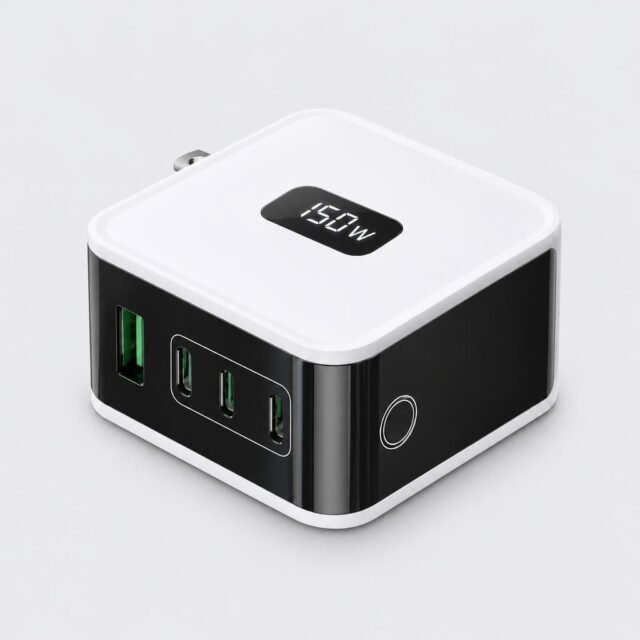
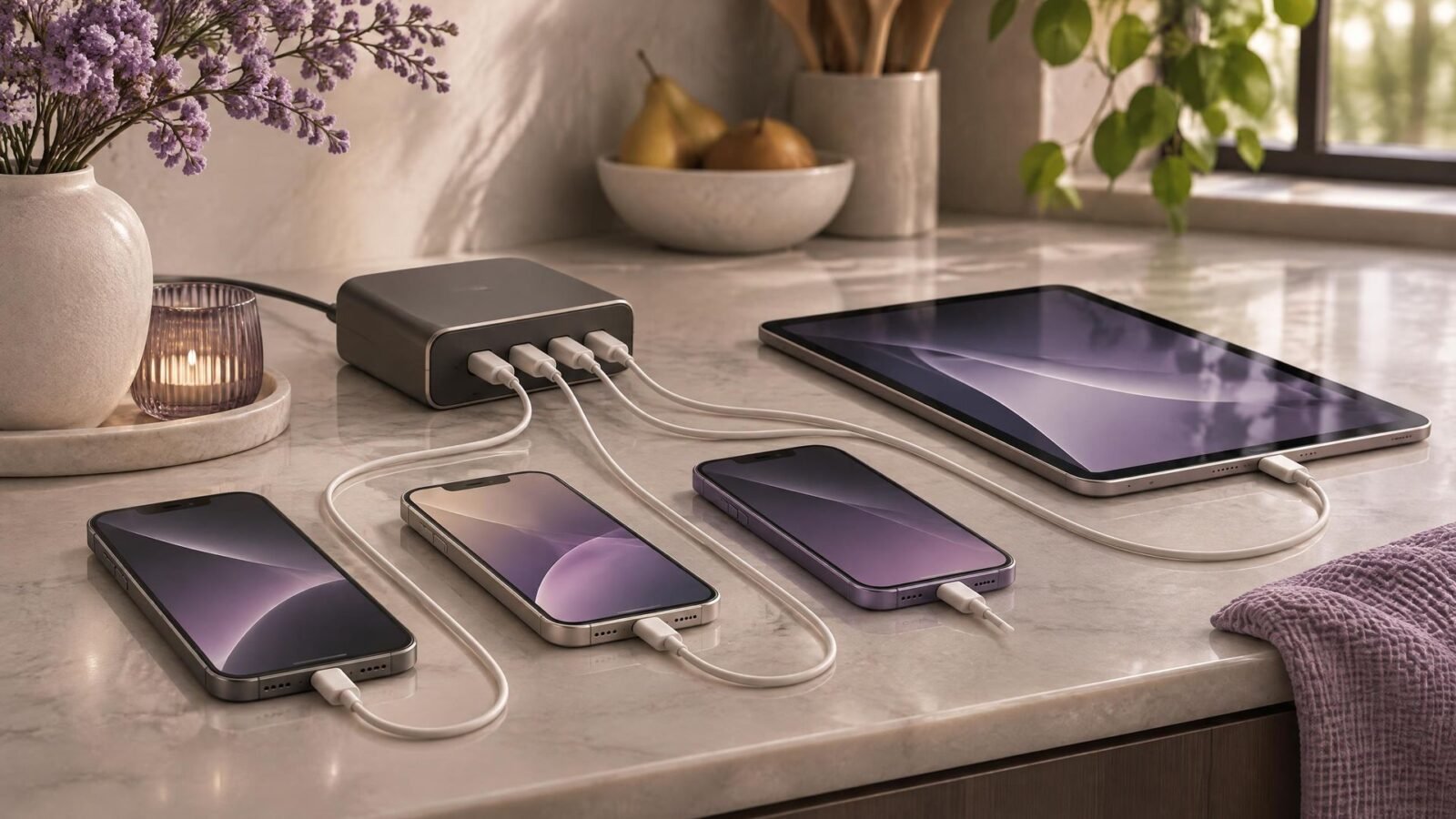
- A 100W to 150W multi-port GaN charger handles several phones and a tablet.
- Short, labelled cables keep the station tidy.
- Add a wireless pad or 3-in-1 station for watches and earbuds.
- Place it on a hard, ventilated surface away from water.
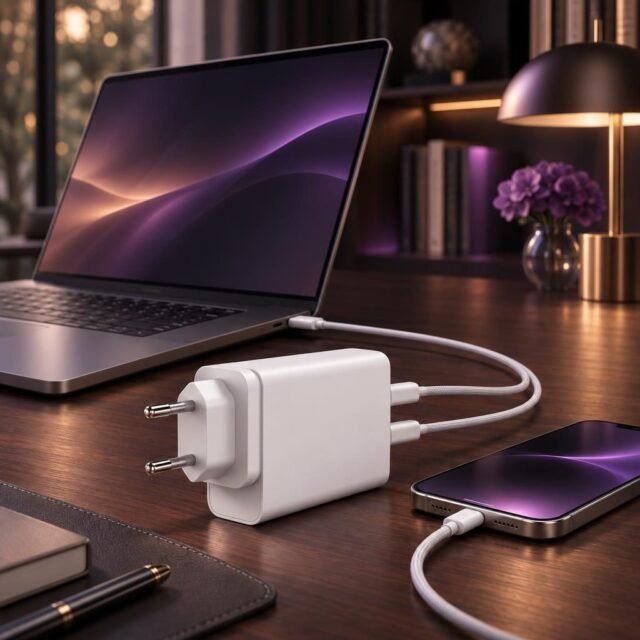
Quick answer: put one multi-port GaN charger on a shelf or console near a socket, add short colour-coded cables for each person and a wireless pad for watches and earbuds. Everyone knows where devices live, and fewer chargers go missing.
What you need
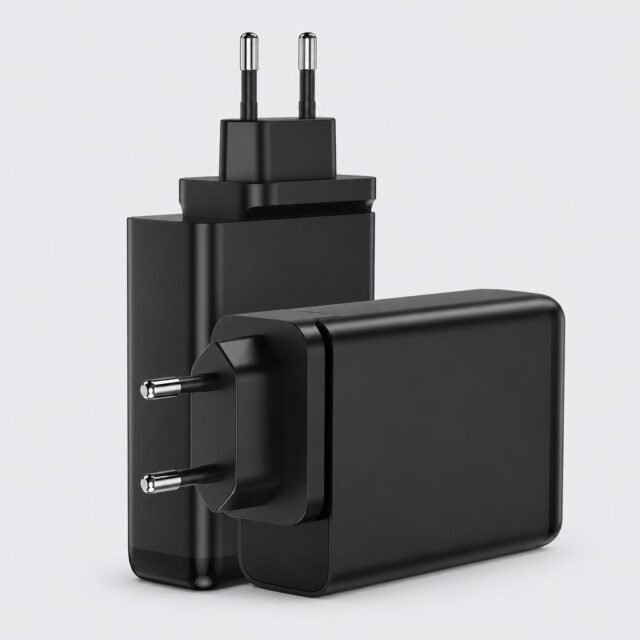
- A 4-port GaN charger (100W to 150W total)
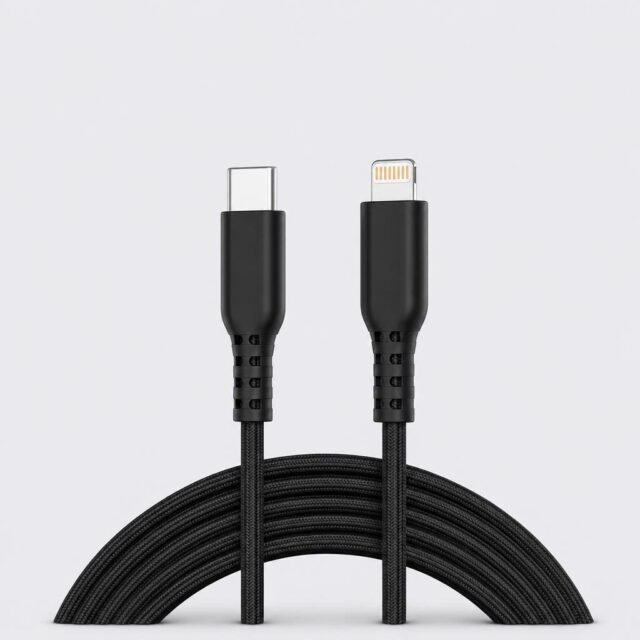
- Short braided USB-C cables, plus Lightning for older iPhones
- A wireless pad or 3-in-1 station
- A tray or organiser
Placement
Choose a hard surface with airflow, away from kitchen sinks and direct sun. Keep it out of reach of very young children.
House rules that work
Devices charge at the station overnight, not in bedrooms. It helps sleep and keeps chargers in one place.
Shop multi-port chargers.
Frequently asked questions
How many devices can one charger handle?
Up to its number of ports; total wattage is shared between them.
Is it safe to charge many devices at once?
Yes with a quality charger that includes over-temperature and over-current protection.
Which cables for mixed families?
USB-C to USB-C for most devices, plus USB-C to Lightning for older iPhones and AirPods.
Ask the Gaatly Concierge or message our team. We reply in minutes.