Key takeaways
- A 20W or higher USB-C PD charger fast-charges every USB-C iPhone.
- Higher wattage chargers are safe; the iPhone only draws what it needs.
- Pro models support faster USB 3 data with a suitable cable; other models use USB 2 speeds.
- Your iPhone can charge AirPods or an Apple Watch from its USB-C port.
Quick answer: use any USB-C Power Delivery charger of 20W or more with a USB-C to USB-C cable. A 30W to 65W GaN charger lets you share one charger with a MacBook or iPad. For wireless, use a MagSafe or Qi2.2 charger.
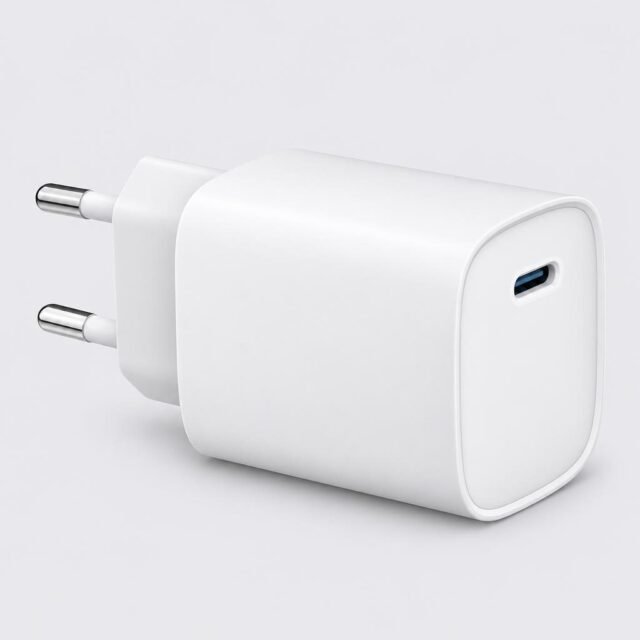
The charger
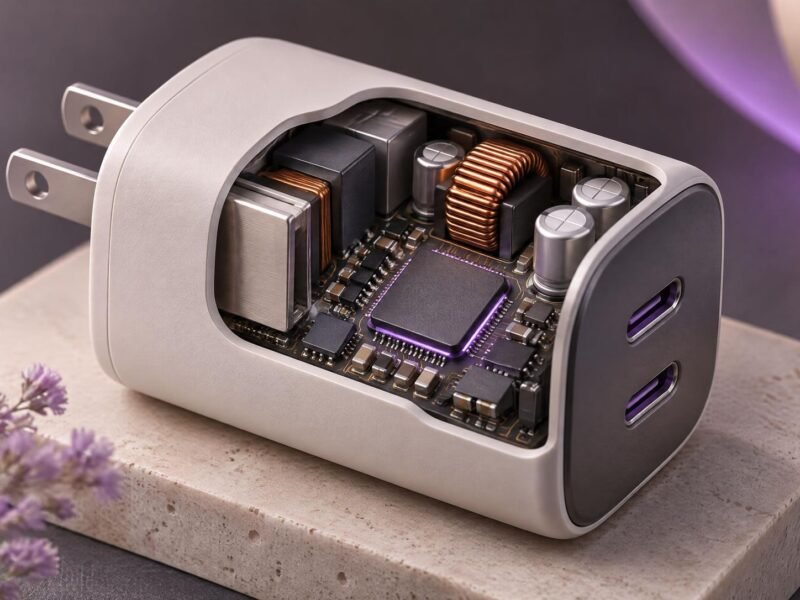
All USB-C iPhones fast-charge with 20W USB-C PD, reaching about 50 percent in around 30 minutes depending on model. Larger chargers do not hurt the phone; the iPhone negotiates the power it can accept.
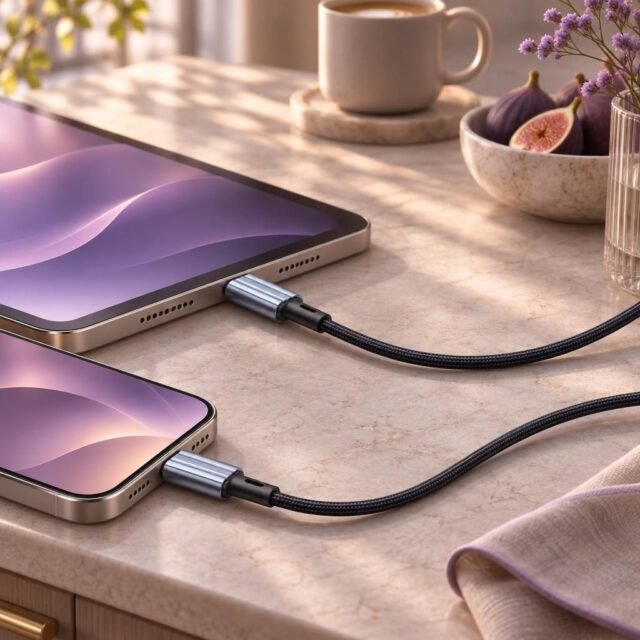
The cable
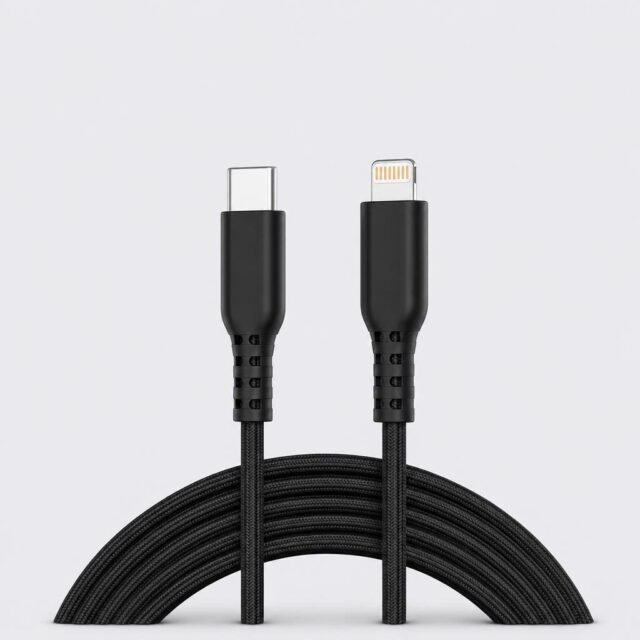
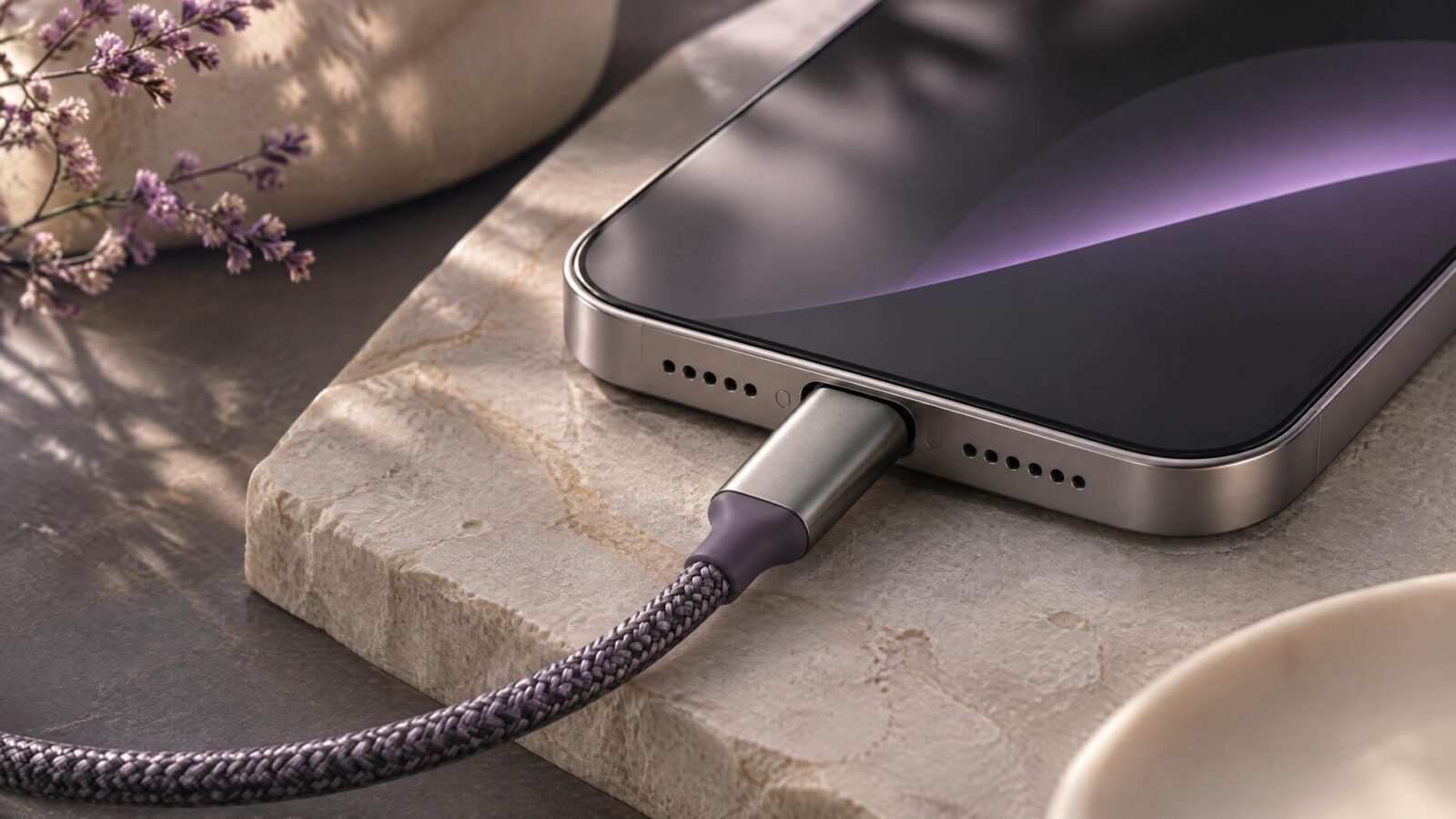
For charging, any good USB-C to USB-C cable works. A braided 60W cable is ideal for daily use. If you have a Pro model and shoot large ProRes video, a 10Gbps or faster cable speeds up transfers to a Mac or SSD.
Charging other devices from your iPhone
Plug AirPods, an Apple Watch charger or a small accessory into your iPhone’s USB-C port and it will supply power. Handy when travelling light.
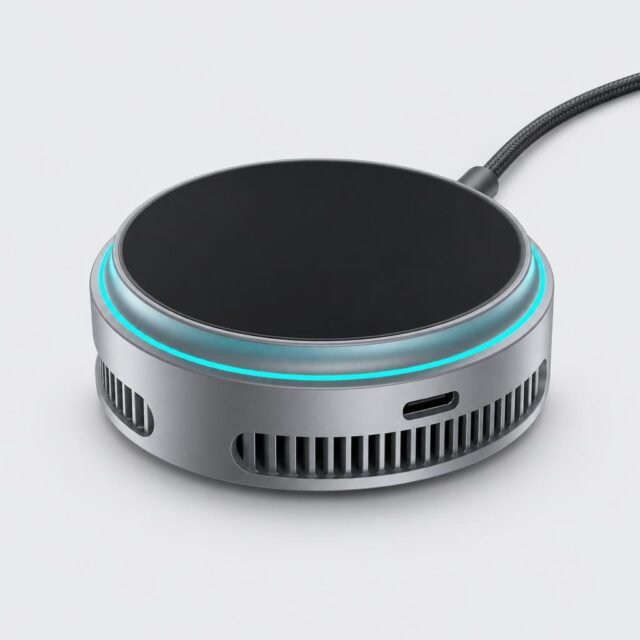
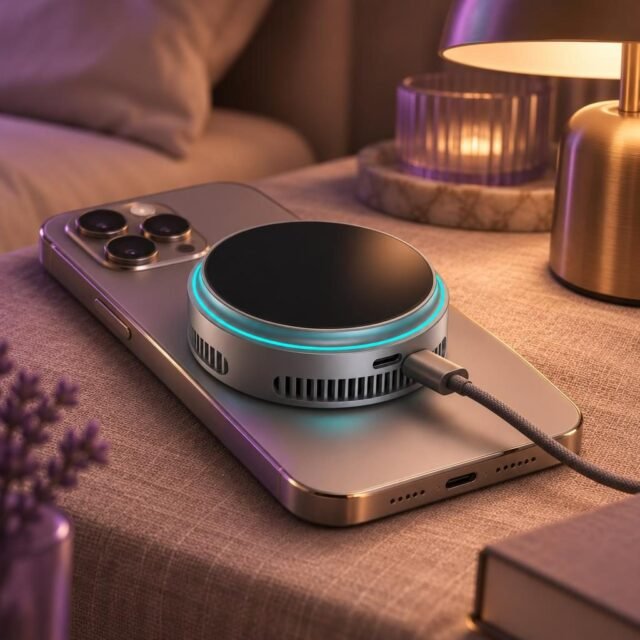
Going wireless
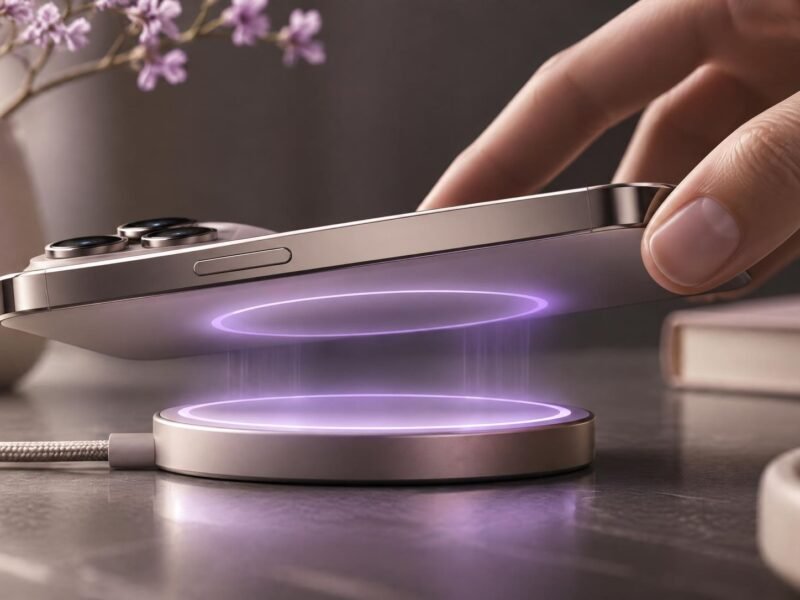
MagSafe and Qi2 chargers snap on magnetically. See our Qi2 and MagSafe guide.
Shop USB-C cables and chargers.
Standards and sources
Frequently asked questions
Can I use my MacBook charger with my iPhone?
Yes. USB-C PD chargers are safe across devices; the iPhone only draws what it supports.
Will my old Lightning accessories work?
Lightning accessories need an adapter or replacement. Most USB-C accessories work directly.
Why is my iPhone charging slowly?
Check the charger is at least 20W USB-C PD, try another cable, and let the phone cool down if it is hot.
Ask the Gaatly Concierge or message our team. We reply in minutes.