Key takeaways
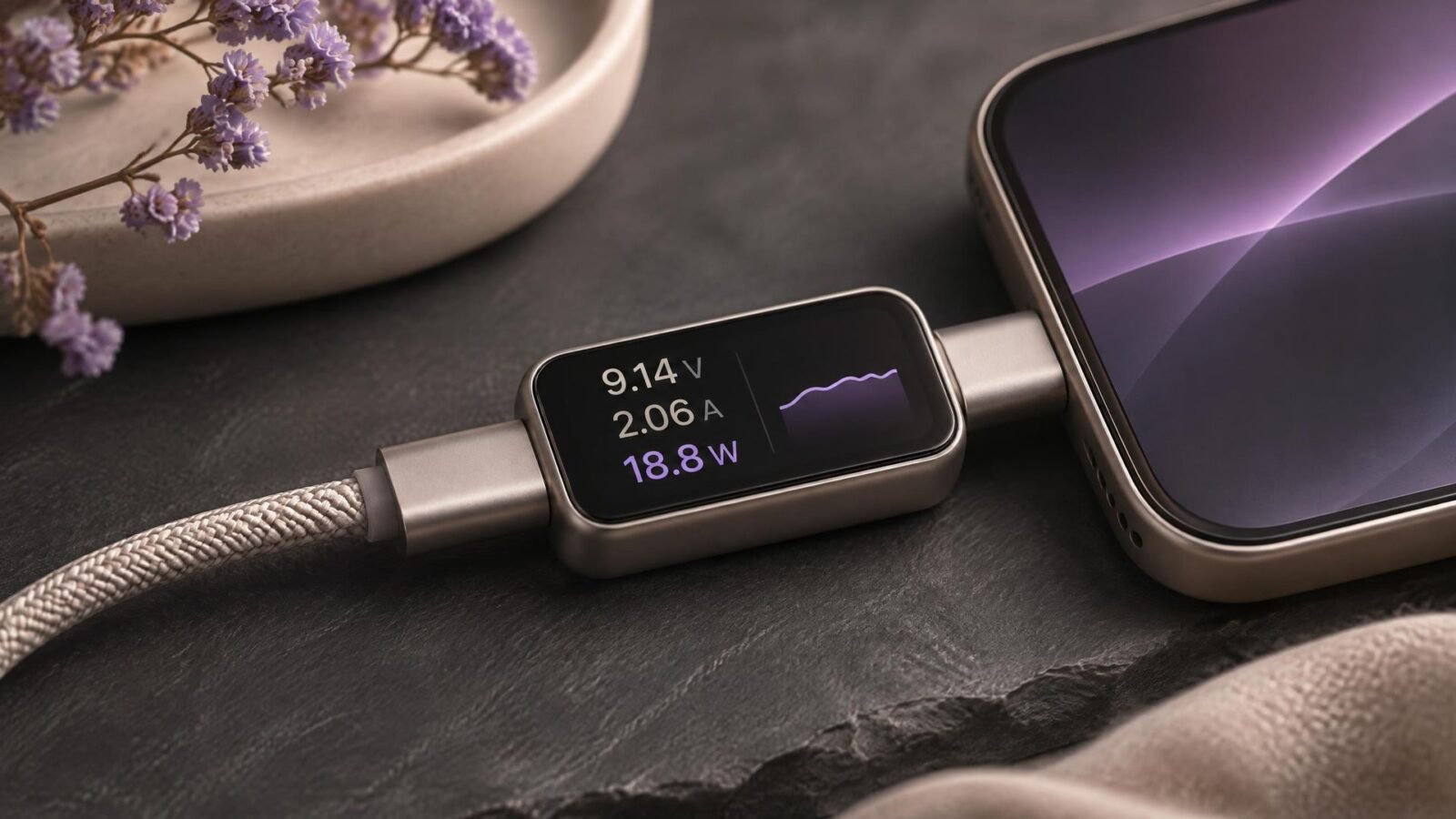
- A USB-C power meter shows real charging watts and can read the e-marker.
- Copy a large file to a fast SSD to check data speed.
- Unbranded cables claiming 240W and 40Gbps at very low prices are a red flag.
- Buy from accountable brands that publish full specifications and offer a warranty.
Quick answer: plug the cable between a known charger and device with a USB-C power meter in line. Check the reported watts and e-marker. For data, copy a large file to a fast SSD and compare against the rated speed.
Why ratings get exaggerated
Most USB-C cables look identical. The difference is inside: conductor thickness, the e-marker chip and the high speed data pairs. Under-spec cables may cap charging at 60W, run USB 2.0 data only, or fail video entirely.
Three simple tests
- Power: charge a laptop with a 100W or higher charger and read the meter. Without a 5A e-marker you will see 60W or less.
- Data: copy a 5GB file to a 10Gbps SSD. Around 30MB/s means USB 2.0.
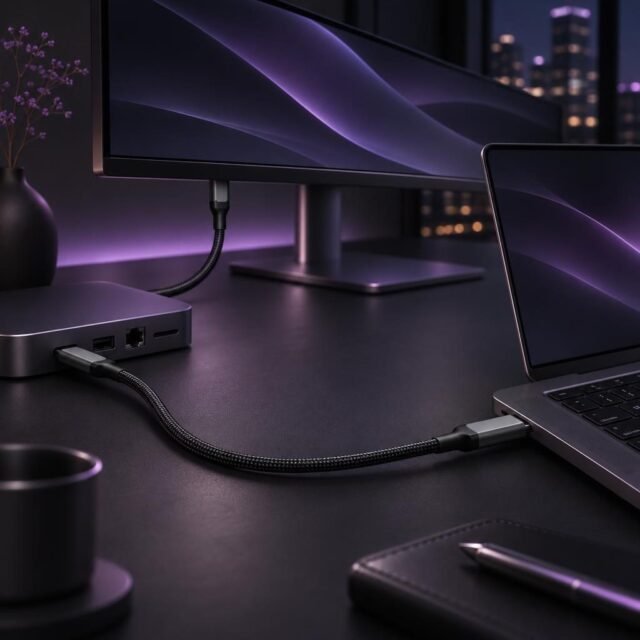
- Video: connect a USB-C monitor. No picture usually means no DisplayPort Alt Mode support.
Warning signs
- Huge claims at a very low price
- No brand, model number or warranty
- Loose connectors or heat at the plug
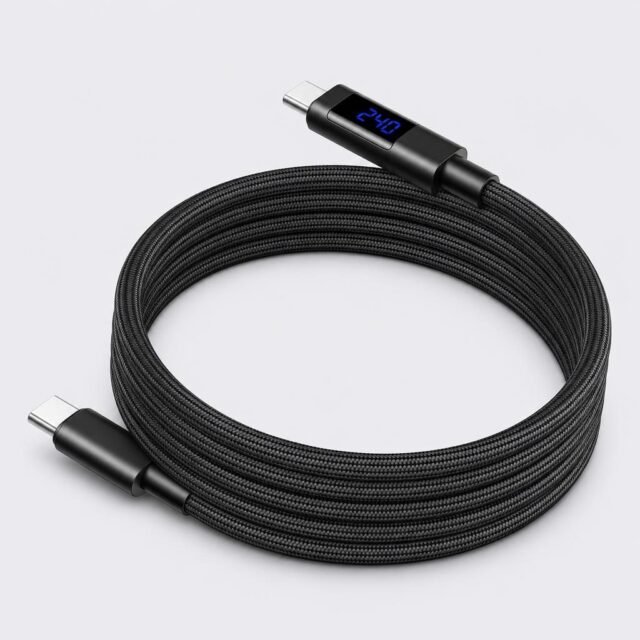
Every Gaatly cable lists its real wattage, data speed and video support. Start with our USB-C cable buying guide.
Standards and sources
Frequently asked questions
Can a bad cable damage my phone?
Poorly made cables can overheat or cause unstable charging. Stop using any cable that gets hot or has a loose plug.
Do all USB-C cables support video?
No. Only full-featured USB 3.x, USB4 and Thunderbolt cables carry video.
What does a USB-C power meter cost?
They are inexpensive and useful if you test many chargers and cables.
Ask the Gaatly Concierge or message our team. We reply in minutes.