Key takeaways
- Check three ratings: power (60W, 100W or 240W), data speed (480Mbps to 80Gbps) and video support.
- Cables above 60W need a 5A e-marker chip; a 240W cable is safe for phones too.
- Most charging cables only carry USB 2.0 data. For SSDs, docks and monitors you need a 10Gbps, USB4 or Thunderbolt cable.
- Keep high speed cables short: 1 to 2 metres is the sweet spot.
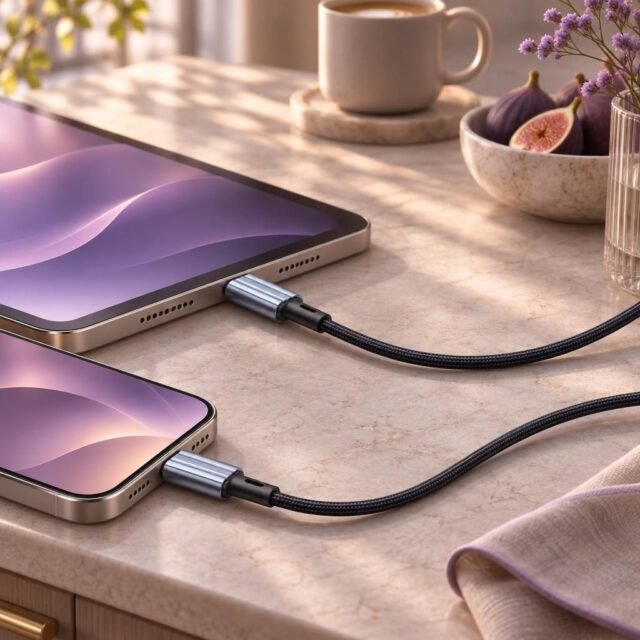
Quick answer: for everyday phone and tablet charging, a braided 60W USB-C cable is enough. For laptops, choose a 240W (5A, e-marked) cable. If you connect SSDs, docks or monitors, choose a USB4, Thunderbolt or 10Gbps cable rated for video. Everything else is about length and build quality.
USB-C is a connector shape, not a promise. Two cables that look identical can differ by more than 100 times in data speed and four times in power. Here is what actually matters.
1. Charging power: 60W, 100W or 240W
USB Power Delivery lets a charger and device agree on voltage and current. A standard USB-C cable carries up to 3A, which means up to 60W at 20V. Above that, the cable must carry 5A and contain an e-marker chip that tells the charger it can handle the current safely.
- 60W (3A): phones, tablets, earbuds, handheld consoles and small laptops.
- 100W (5A): most laptops including 14 inch MacBook Pro models.
- 240W (5A, USB PD 3.1 EPR): 16 inch MacBook Pro, gaming laptops and future-proofing.
A higher rated cable never forces extra power into a device. Your phone still decides how much it draws, so a 240W cable is a safe single cable for everything.
2. Data speed: the spec most people miss
| Rating | Speed | Good for |
|---|---|---|
| USB 2.0 | 480Mbps | Charging, phone syncing, keyboards |
| USB 3.2 Gen 2 (USB 10Gbps) | 10Gbps | Portable SSDs, hubs like the DeskHub |
| USB4 / Thunderbolt 4 | 40Gbps | Docks, fast NVMe drives, displays |
| Thunderbolt 5 / USB4 v2 | 80Gbps (up to 120Gbps boost) | Pro creator setups, multiple high refresh displays |
Most charging cables, including many expensive ones, are USB 2.0 for data. That is perfectly fine for charging, but a 1TB file transfer over USB 2.0 can take hours instead of minutes.
3. Video
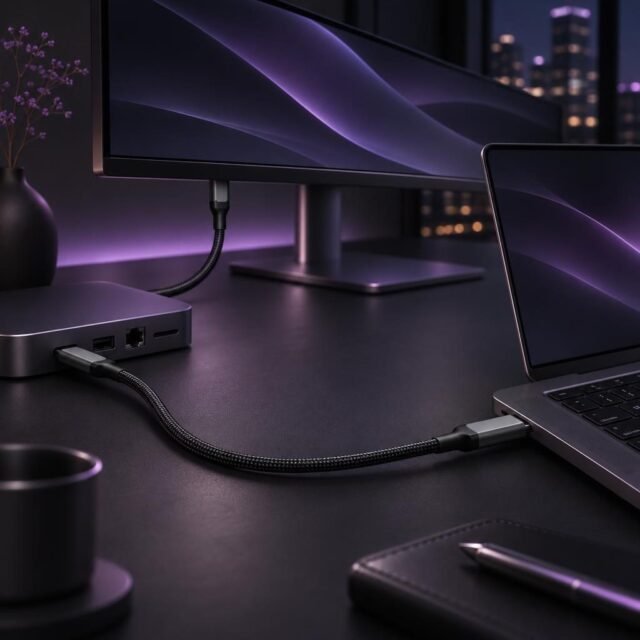
To run a monitor from a USB-C port, the cable must support DisplayPort Alt Mode, which in practice means a full-featured USB 3.x, USB4 or Thunderbolt cable. If you only need HDMI, a dedicated USB-C to HDMI cable is simpler.
4. Length and build
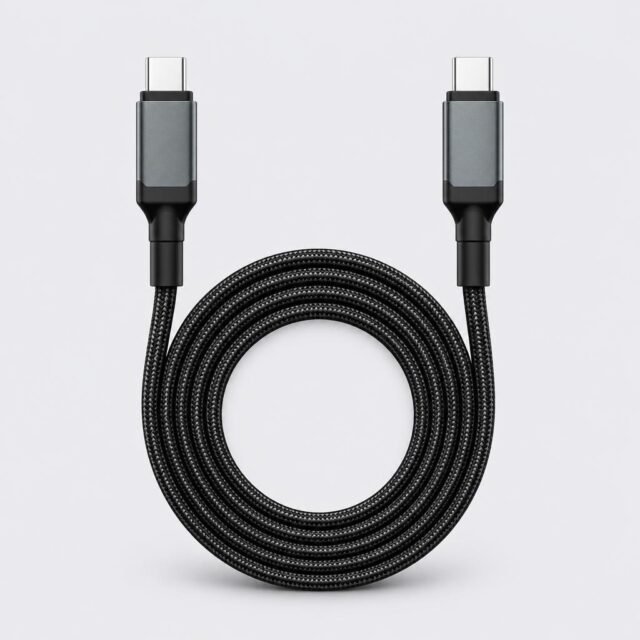
Charging cables work well up to 2 metres. High speed data cables lose signal over distance, so passive 40Gbps and 80Gbps cables are usually 1 metre or shorter. Braided nylon jackets and reinforced strain relief survive daily bending in bags far better than plain rubber.
Our picks
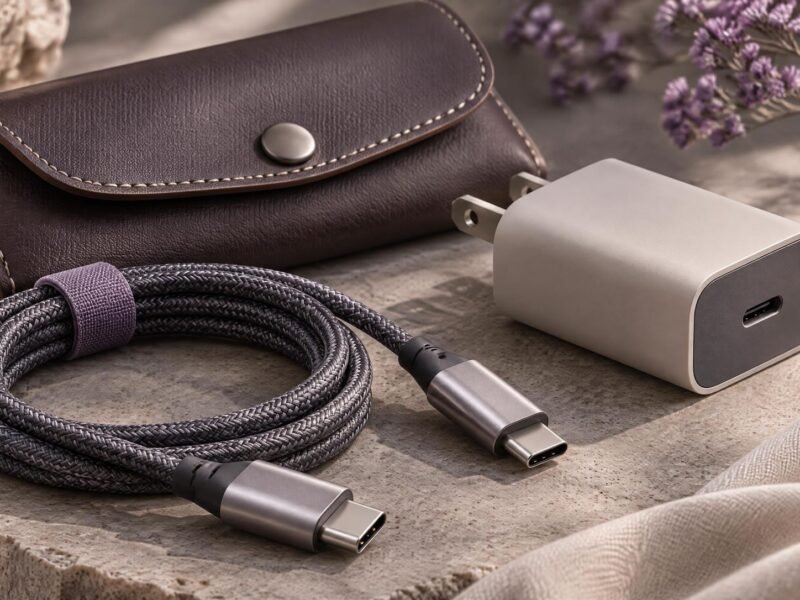
The Gaatly Braided USB-C 240W is the one cable for everything that charges. Pair it with a USB4 40Gbps cable on your desk for docks and drives.
Standards and sources
Frequently asked questions
Can I use a 240W cable with my iPhone?
Yes. USB Power Delivery negotiates power with each device, so the phone only draws what it supports. A 240W rating just means the cable can also handle large laptops.
Why does my USB-C cable not work with my monitor?
Most charging cables only support USB 2.0 data and no video. You need a full-featured USB 3.x, USB4 or Thunderbolt cable, or a USB-C to HDMI or DisplayPort cable.
What length USB-C cable should I buy?
For charging, 1 to 2 metres is ideal. For 40Gbps or faster data, stay at 1 metre or shorter unless the cable is specifically rated for longer runs.
Ask the Gaatly Concierge or message our team. We reply in minutes.