Key takeaways
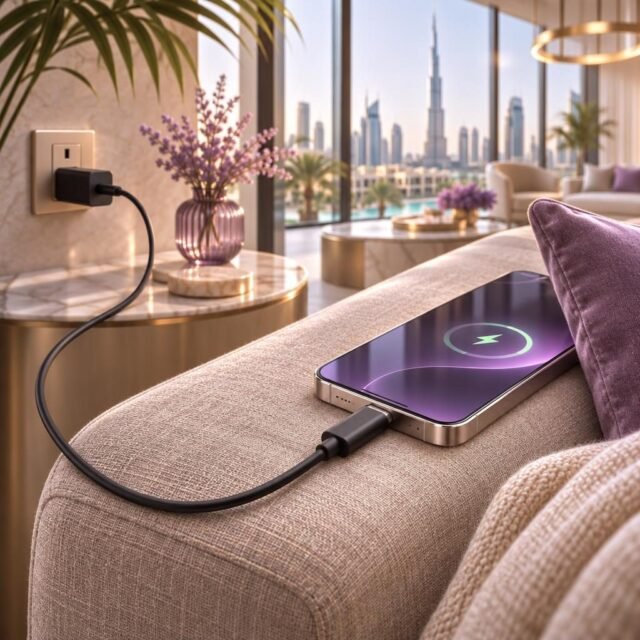
- 1 to 1.2m suits desks and cars; 2m suits bedsides and sofas.
- Long cables for charging are fine; long high speed data cables are not.
- Passive 40Gbps and faster cables are usually 1m or shorter.
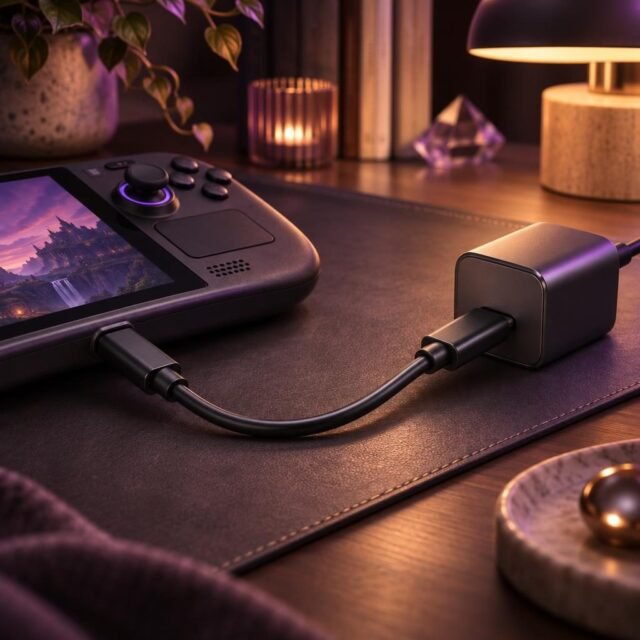
- Short 0.3 to 0.5m cables are ideal for power banks and hubs.
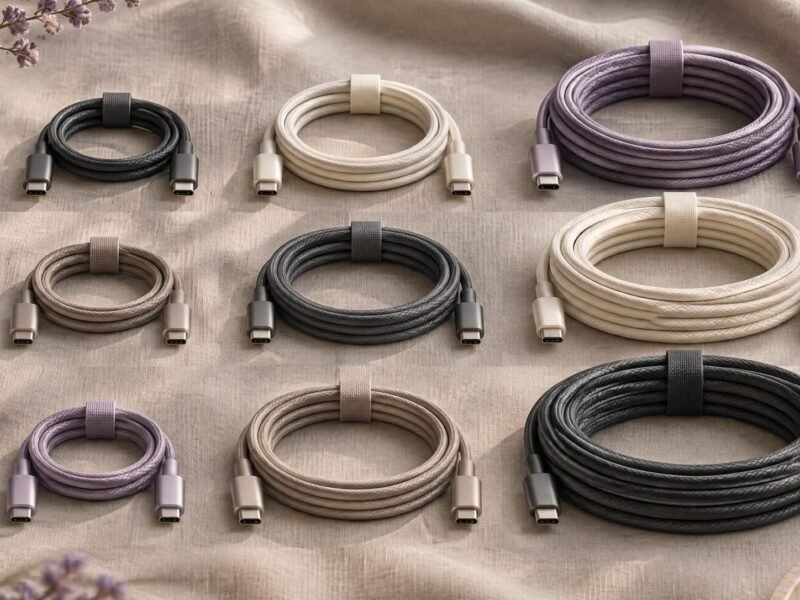
Quick answer: 1m for desks and cars, 2m for bedsides and sofas, 0.3 to 0.5m for power banks, and 1m or shorter for high speed Thunderbolt or USB4 data.
By location
| Where | Length |
|---|---|
| Power bank in a bag | 0.3m to 0.5m |
| Desk, car | 1m to 1.2m |
| Bedside, sofa | 1.8m to 2m |
| TV and console | 2m (HDMI) |
| Fast SSD or dock | 0.8m to 1m |
Length and performance
Charging is barely affected by length in quality cables. High speed data signals are, which is why passive 40Gbps and 80Gbps cables are short.
Tidiness
Extra length becomes clutter. See the cable management guide.
Shop cables.
Standards and sources
Frequently asked questions
Is a 2m cable slower to charge?
Not noticeably with a good quality cable.
Why are Thunderbolt cables short?
High speed signals degrade with distance; passive cables stay short to keep full speed.
What length HDMI cable for a TV?
Usually 2m. Keep HDMI 2.1 runs as short as practical.
Not sure what fits your device?
Ask the Gaatly Concierge or message our team. We reply in minutes.