Key takeaways
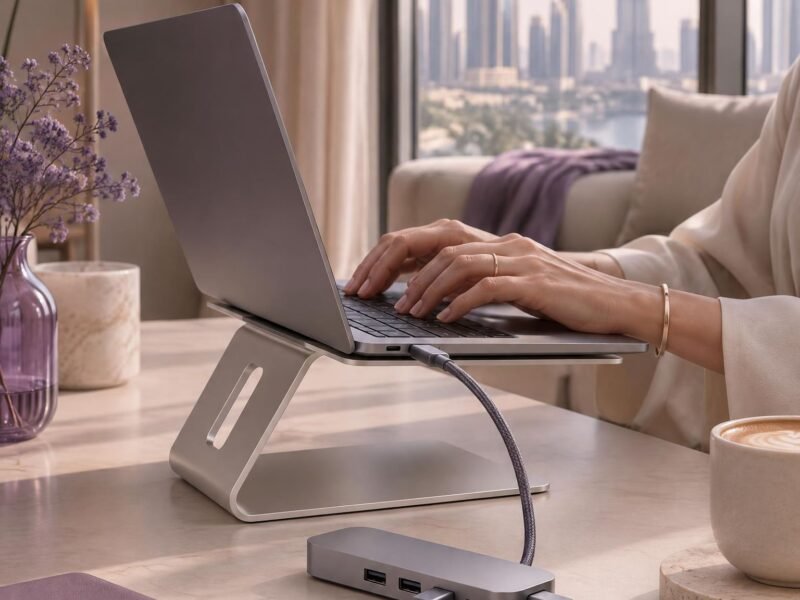
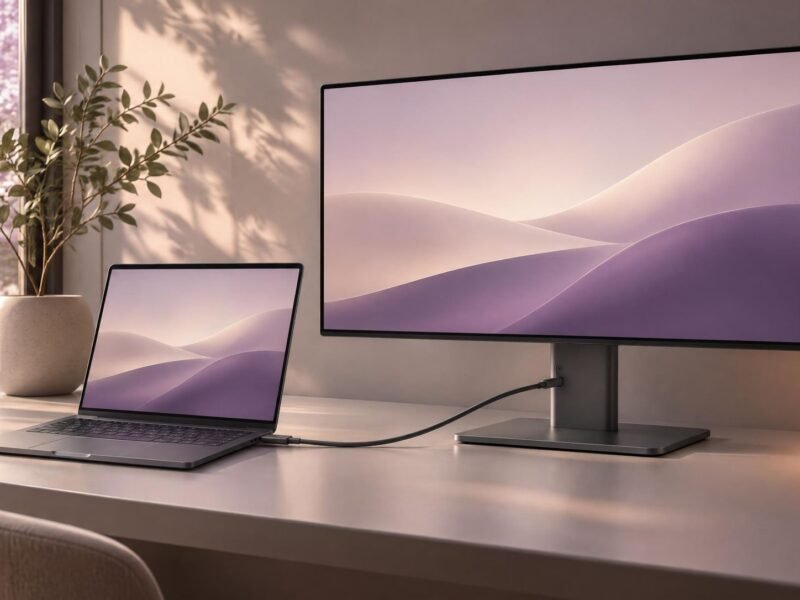
- Aim for one cable from the laptop to a hub or dock.
- Mount the power strip and charger under the desk.
- Buy cables in the right length; excess slack is the main cause of mess.
- Label both ends of every cable.
Quick answer: move power under the desk, connect your laptop through one hub or dock, use cables cut to the right length and gather everything into a single tray or sleeve. Label both ends so changes take seconds.
1. Start with a one-cable laptop
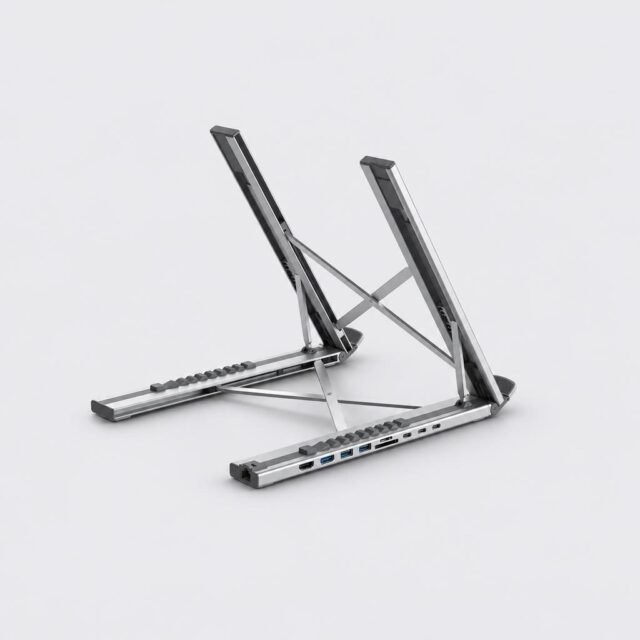
A USB-C hub with power pass-through, or a dock, turns many cables into one. Everything else (monitor, keyboard, drives) lives permanently on the desk.
2. Hide the power
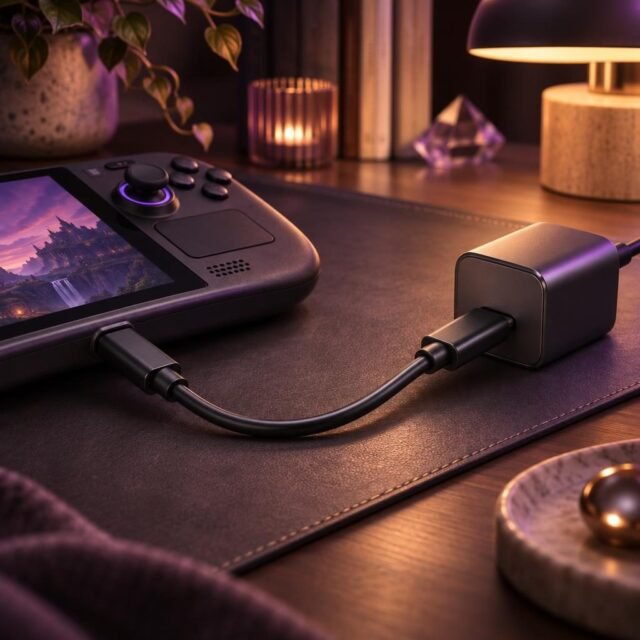
Mount a power strip under the desk and plug a multi-port GaN charger into it. One charger like the Gaatly 150W 4-Port GaN replaces three or four bulky adapters.
3. Right length cables
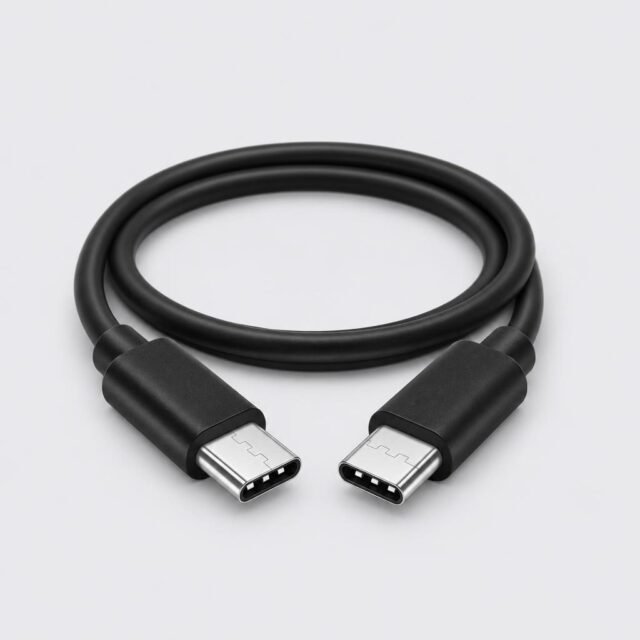
Measure the runs. Use 1m cables on the desk and 2m where cables drop to the floor. Braided cables lie flatter and resist kinks.
4. One path
Run all cables along one leg or through one tray, then bundle with reusable velcro ties.
5. Label everything
Small tags on both ends make swapping devices easy.
Shop hubs and braided cables.
Frequently asked questions
What is the easiest cable management upgrade?
A single hub or dock so your laptop connects with one cable.
Are braided cables better for desks?
They resist kinks and fraying, and look neater on visible runs.
Where should my charger go?
Under the desk on a mounted power strip, with short cables up to the devices.
Ask the Gaatly Concierge or message our team. We reply in minutes.