Key takeaways
- List the ports you use daily before choosing a hub.
- For drives and cameras, choose 10Gbps ports and a built-in SD/microSD reader.
- Base M1 and M2 MacBook Air models support one external display; check Apple specs for your model.
- Use a hub with power pass-through or a separate GaN charger to keep your Mac charging.
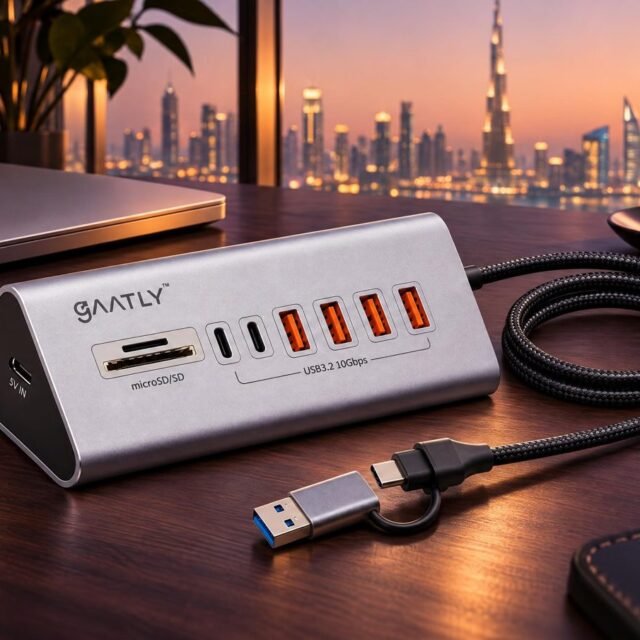
Quick answer: start from what you plug in every day. If you use drives, cameras and accessories, a 10Gbps data hub such as the Gaatly DeskHub 8 Port is ideal. If you need an external monitor and charging through one cable, choose a hub with HDMI and 100W pass-through. Many people use both: a display hub on the desk and a compact data hub for everything else.
Step 1: count your ports
- USB-A accessories: keyboard receivers, older drives, security keys
- USB-C devices: modern SSDs, phones, audio interfaces
- Cards: SD and microSD from cameras and drones
- Display: HDMI or DisplayPort monitor
- Power: does the hub need to pass charging through to the Mac?
Step 2: choose speed
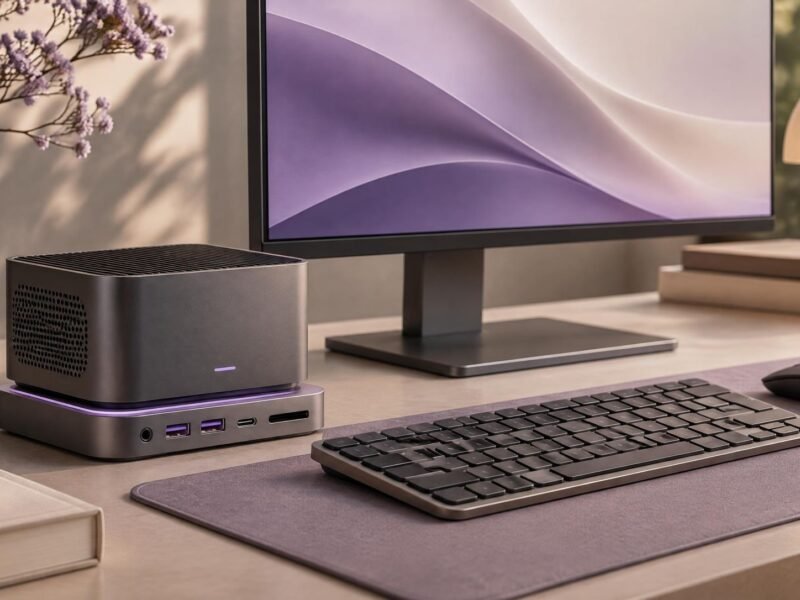
Many budget hubs run their ports at 5Gbps or even USB 2.0. If you work with large files, look for USB 3.2 Gen 2 (10Gbps) on every port. The DeskHub offers two USB-C and four USB-A ports, all at 10Gbps, plus SD and microSD. Read our USB speed guide for the details.
Step 3: understand display limits
Apple silicon handles external displays differently by chip. Base M1 and M2 MacBook Air models support one external display. Later base chips added support for two, and Pro and Max chips support more. macOS does not support MST, so dual HDMI hubs typically mirror the same image on a base chip Mac. Check Apple Support for your exact model.
Step 4: power
A hub with USB-C PD pass-through lets one cable charge your Mac and connect everything else. Pair it with a 65W charger for MacBook Air or 100W to 140W for MacBook Pro. Prefer MagSafe? Keep MagSafe for power and use a data-only hub like the DeskHub.
A clean, proven setup
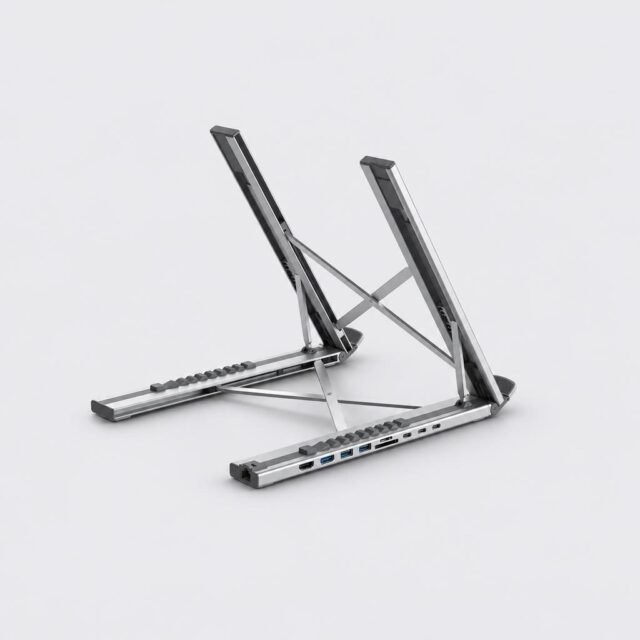
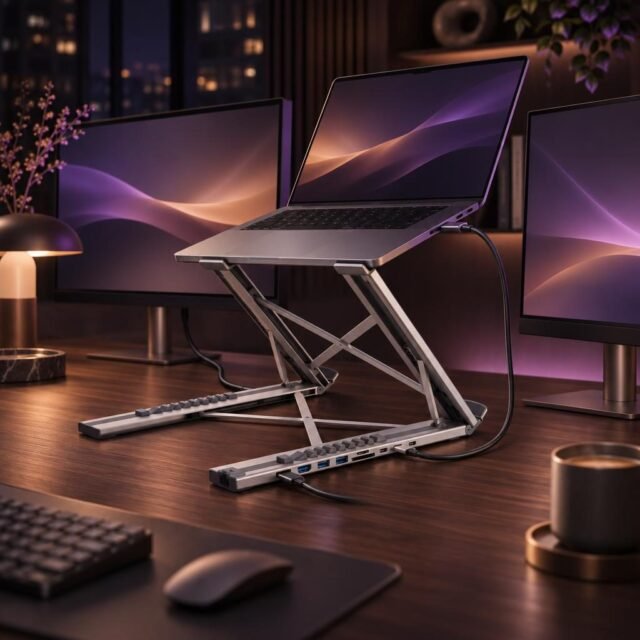
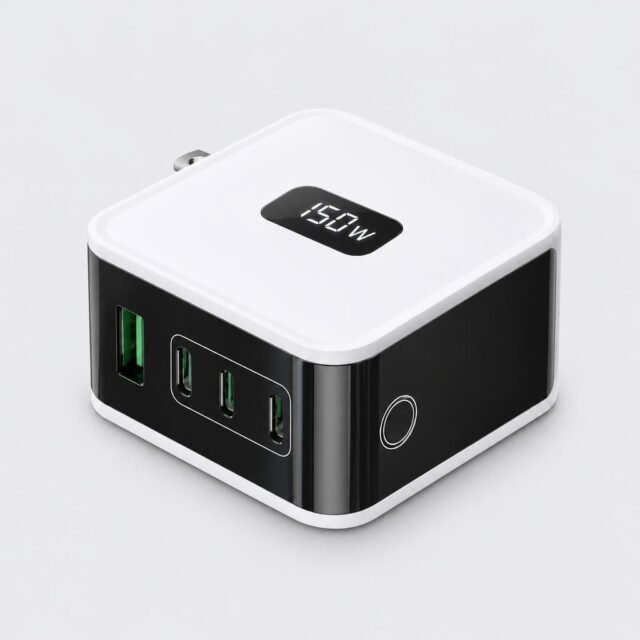
DeskHub 8 Port for data and cards, a HubDock with HDMI for the monitor, and a 150W four-port GaN charger behind the desk. Shop hubs and docks.
Standards and sources
Frequently asked questions
Will the DeskHub work with a MacBook?
Yes. It connects by USB-C (with a USB-A adapter included on the cable) and works without drivers on macOS, Windows, Linux and ChromeOS.
Why does my second monitor only mirror?
macOS does not support MST daisy chaining, and base chip MacBook models have display limits. Use a dock designed for Mac or a Mac with more display support.
Does a hub slow down my Mac?
No. It only shares the bandwidth of the port it is plugged into. Use a 10Gbps or faster port for best results.
Ask the Gaatly Concierge or message our team. We reply in minutes.