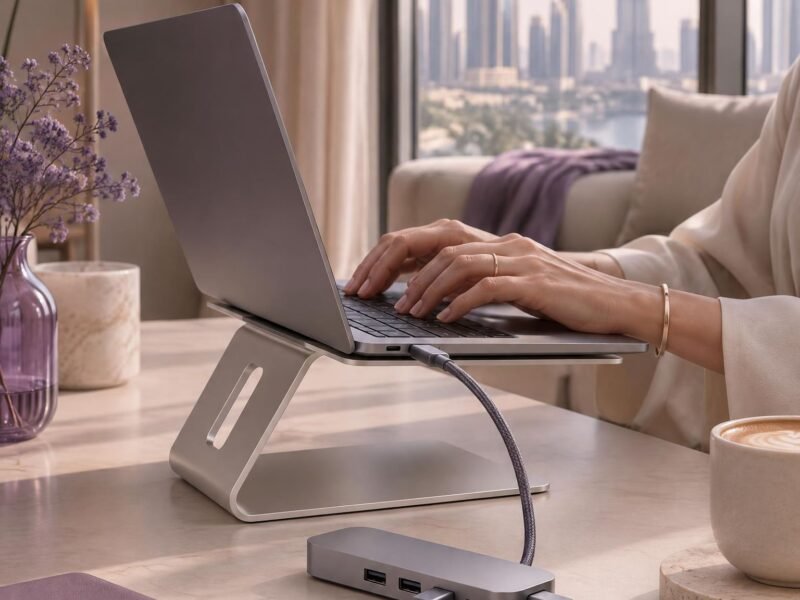
The Best USB-C Hub Setup for MacBook Air and MacBook Pro
How to choose a hub for your MacBook: the ports you actually need, display limits on Apple silicon and why 10Gbps matters.
Complimentary UAE delivery over AED 300 · Personal ordering on WhatsApp
The Gaatly Journal
How to choose a hub for your MacBook: the ports you actually need, display limits on Apple silicon and why 10Gbps matters.
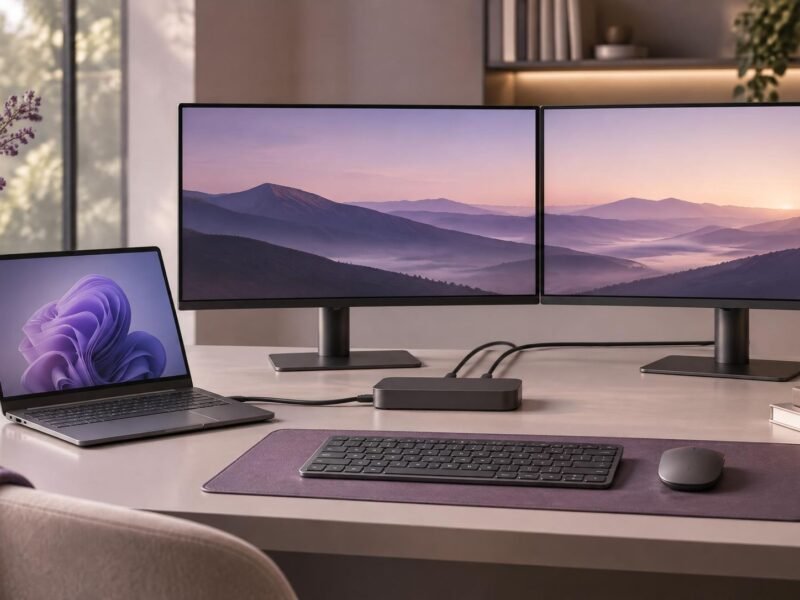
Dual monitors on a Mac depend on your chip, your ports and your dock. Here is how to get two independent displays working.
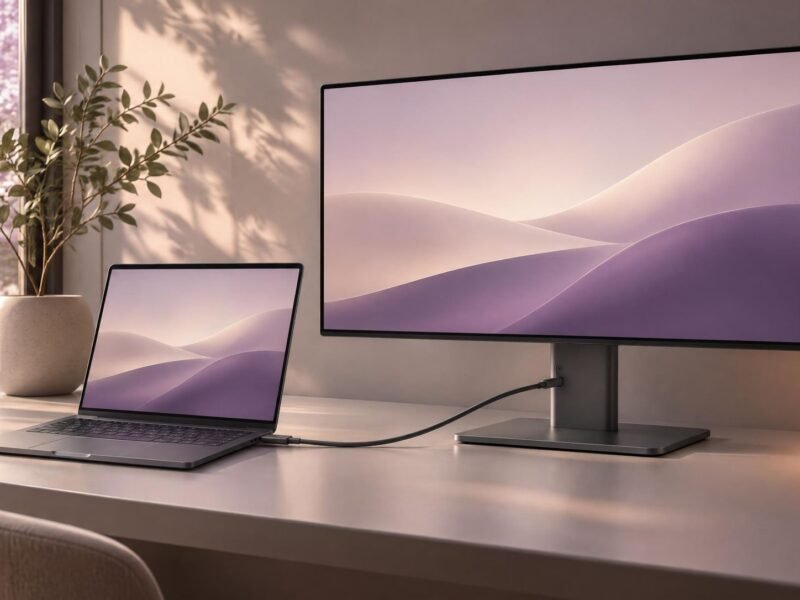
Plug in one cable and your laptop charges, drives a large display and connects to every accessory. How the one-cable desk works and what you need to build it.
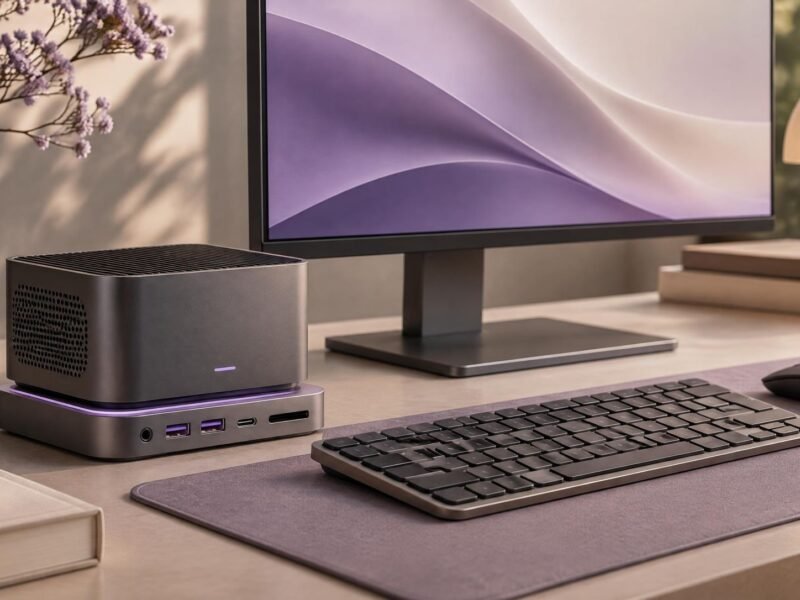
The Mac mini is tiny, but your desk still needs ports, storage and display connections. Here is a tidy setup.
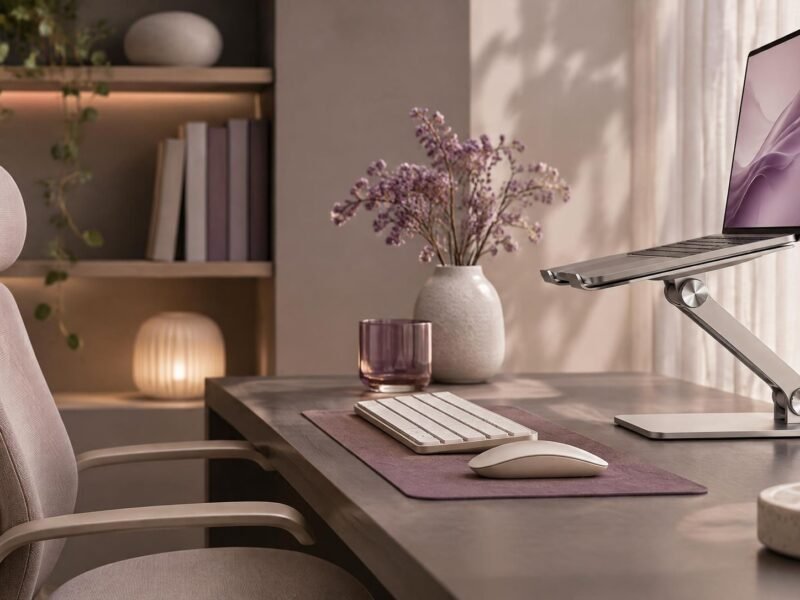
Raising your laptop screen is the single easiest ergonomic upgrade. Here is how to set it up correctly.
A clean desk starts underneath it. Here is a simple plan to hide cables, shorten runs and keep everything easy to change.
Filming, editing and posting all day needs reliable power and fast transfers. Here is a creator desk built around speed.
Hubs and docks both add ports, but they solve different problems. Here is how to tell which one fits your laptop and your desk.
Windows supports multi-monitor setups through a single cable in ways macOS does not. Here is how to set up two screens properly.
Working from a Dubai apartment brings its own challenges: glare, heat, small spaces and UK-style sockets. Here is a checklist for a setup that works.
USB-C iPads can drive displays, read cards and connect drives. Here is how to turn an iPad into a capable workstation.