Key takeaways
- Raise the top of the screen to about eye level.
- Use a separate keyboard and mouse when the laptop is raised.
- Keep the screen an arm's length away.
- A stand with a built-in hub reduces cable clutter.
Quick answer: lift your laptop so the top of the screen sits at or just below eye level, about an arm’s length away, and use an external keyboard and mouse so your shoulders stay relaxed and wrists neutral.
Why it matters
Looking down at a laptop all day pulls your head forward and rounds your shoulders. A stand brings the screen to you so your neck can stay upright.
Set it up in five steps
- Sit back in your chair with feet flat.
- Raise the stand until your eyes meet the top third of the screen.
- Place the keyboard so elbows rest near 90 degrees.
- Keep the mouse next to the keyboard.
- Reduce glare by angling the screen away from windows.
Stand plus hub
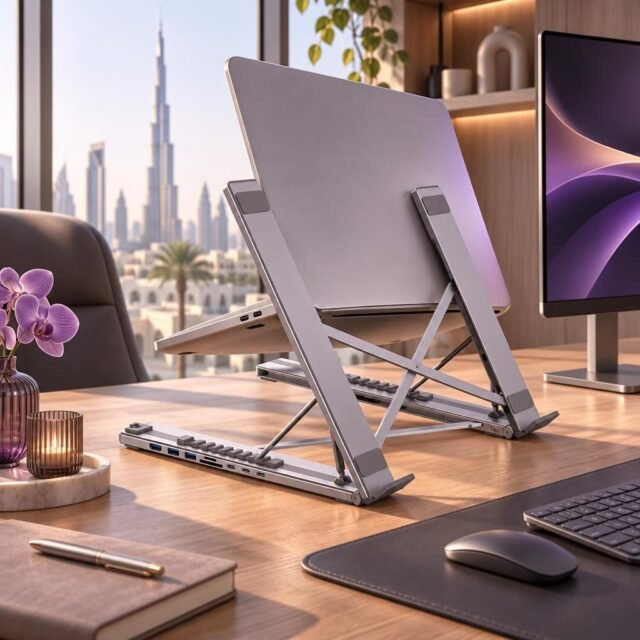
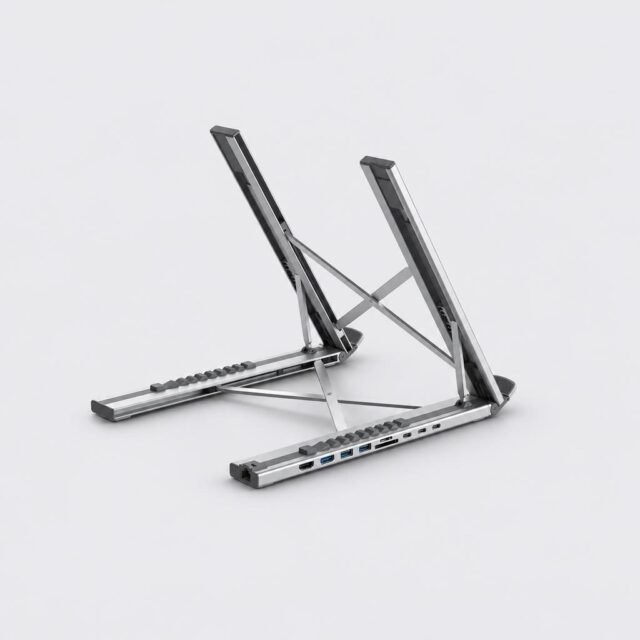
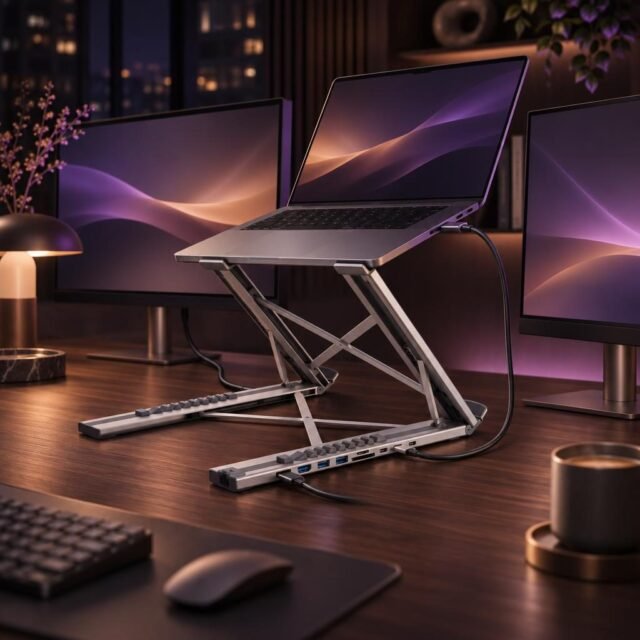
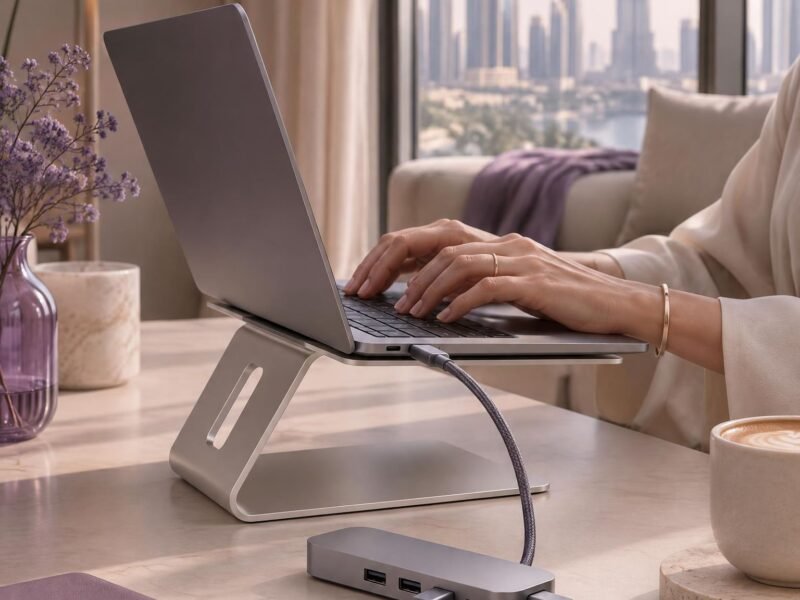
Gaatly HubDock stands combine an adjustable aluminium stand and a USB-C hub, so the monitor, keyboard and drives connect through one cable. The 360 Rotating stand turns to share your screen in meetings.
Explore stands and docks.
Frequently asked questions
How high should my laptop be?
The top of the screen should be at or slightly below eye level when you sit upright.
Do I need an external keyboard?
Yes, once the laptop is raised, typing on it directly strains wrists and shoulders.
Do aluminium stands help cooling?
Yes, they lift the laptop for airflow and aluminium helps dissipate heat.
Ask the Gaatly Concierge or message our team. We reply in minutes.