Key takeaways
- A hub is small, bus-powered and portable; a dock usually has its own power supply and more ports.
- Docks are better for permanent desks with monitors, Ethernet and many accessories.
- Hubs are better for travel and for adding a few ports or a card reader.
- Check display support and charging pass-through before you buy either.
Quick answer: choose a hub if you want a few extra ports you can carry in a bag. Choose a dock if your laptop lives on a desk with monitors, Ethernet and several accessories plugged in all day. Many people use both: a dock at home and a compact hub for travel.
What a USB-C hub is
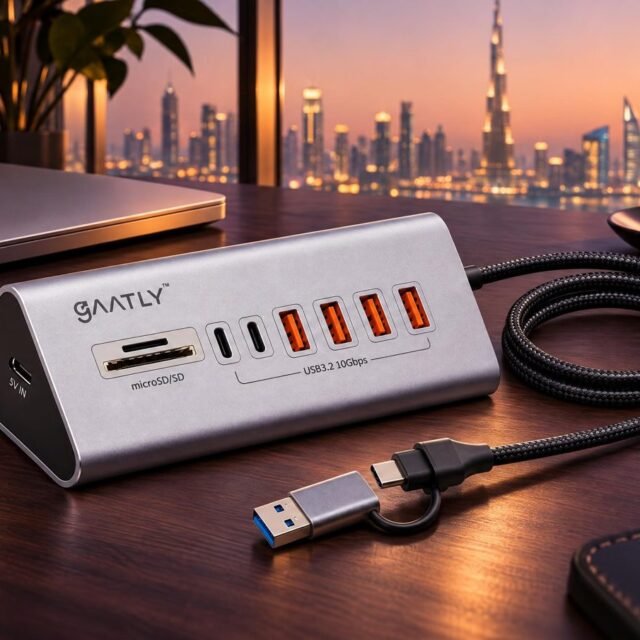
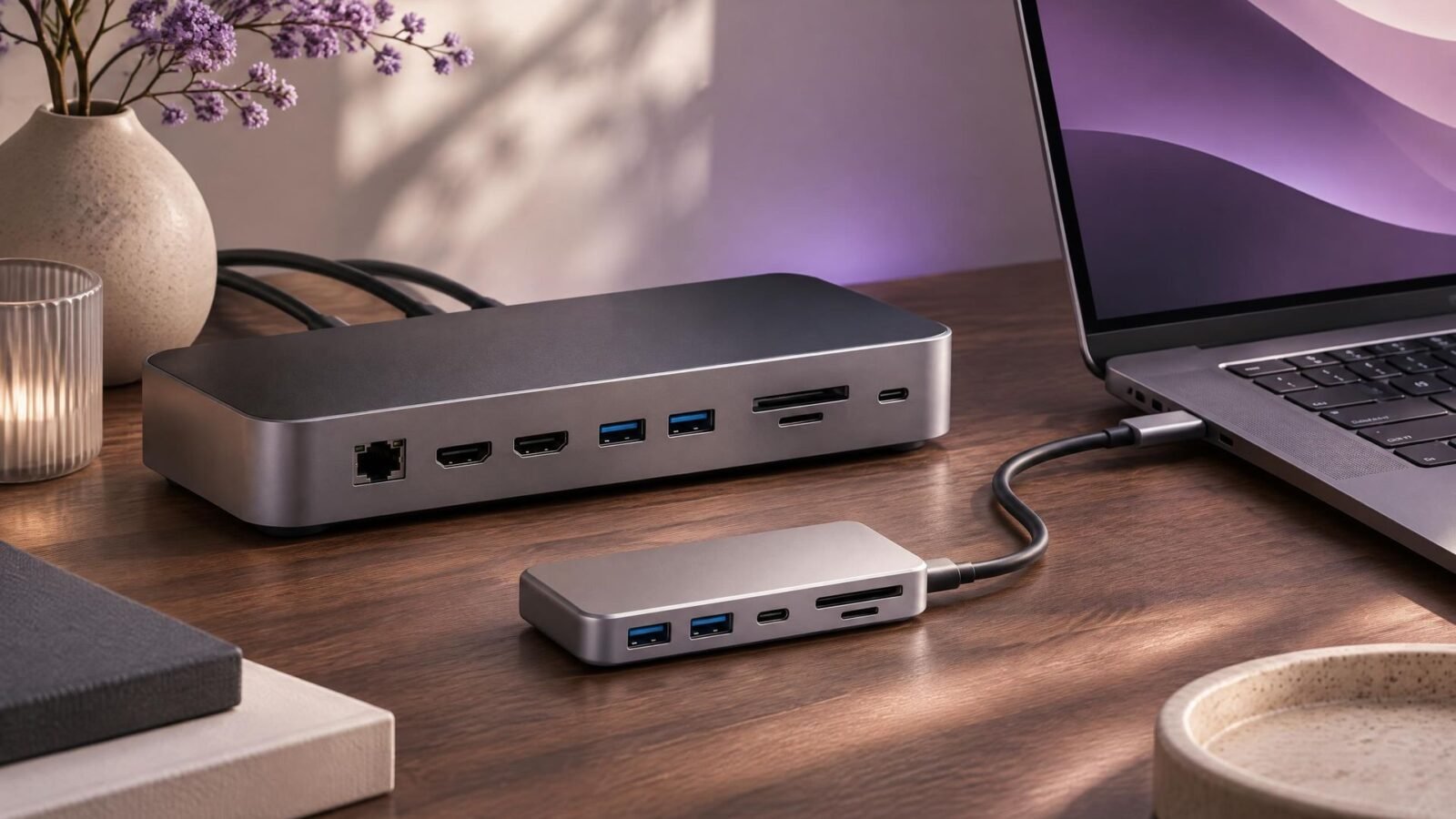
A hub plugs into one USB-C port and splits it into several ports: USB-A, USB-C, HDMI, SD card slots and sometimes Ethernet. Most hubs are powered by the laptop itself, so they are light and need no wall socket. Some include a USB-C power input so you can charge the laptop through the hub.
What a docking station is
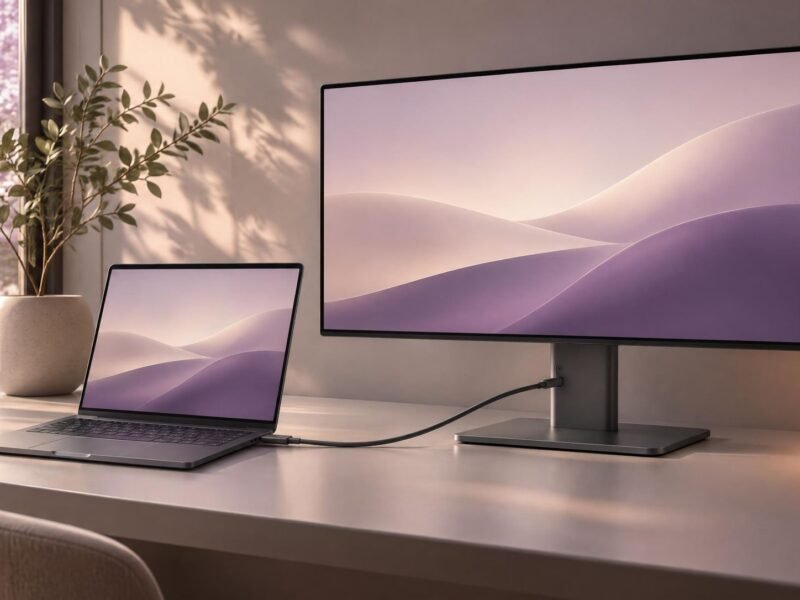
A dock is a desktop accessory with its own power supply. It usually offers more ports, stronger charging for the laptop, multiple display outputs and stable connections for drives and Ethernet. Thunderbolt and USB4 docks use 40Gbps or faster links, which is what makes two high resolution monitors and fast storage possible over one cable.
Side by side
| Hub | Dock | |
|---|---|---|
| Size | Pocket sized | Desktop |
| Power | From the laptop, optional pass-through | Own power supply, charges the laptop |
| Displays | Usually one | Often two or more (check your laptop’s limits) |
| Best for | Travel, meetings, card readers | Permanent desks and hot desks |
Questions to ask before buying
- How many monitors, and at what resolution and refresh rate?
- Does the laptop need charging through the same cable?
- Do you need 10Gbps ports for SSDs and card readers?
- Will it travel with you?
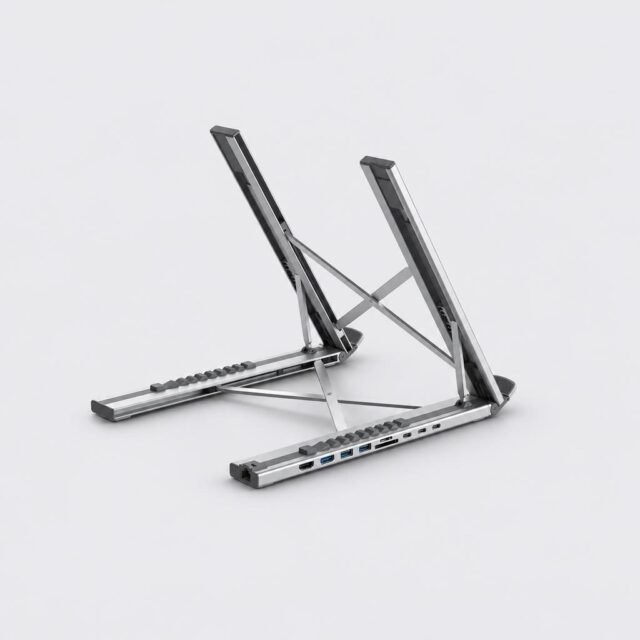
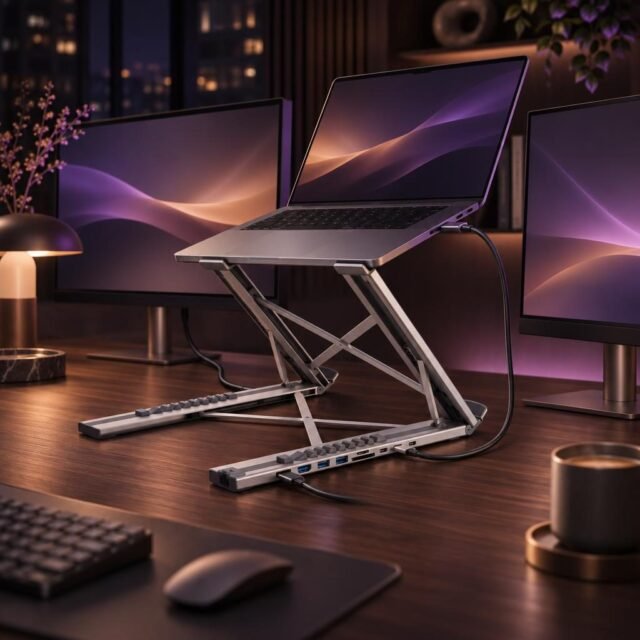
For a powered desk hub with every data port at 10Gbps, see the Gaatly DeskHub 8 Port. For a stand and dock in one, see the HubDock range. Compare all hubs and docks, and read our Thunderbolt and USB4 guide.
Standards and sources
Frequently asked questions
Is a hub slower than a dock?
Not necessarily. Speed depends on the connection: a 10Gbps hub is faster for drives than a dock with 5Gbps ports. Docks win on display bandwidth and power.
Can a hub charge my laptop?
Only if it has a USB-C power delivery input. Connect your charger to that port and the hub passes power through to the laptop, minus a few watts for itself.
Do I need a Thunderbolt dock?
Only if your laptop has Thunderbolt or USB4 and you want two high resolution displays or very fast storage through one cable.
Ask the Gaatly Concierge or message our team. We reply in minutes.