Key takeaways
- USB4 and Thunderbolt 4 both run at up to 40Gbps; Thunderbolt 4 guarantees a stricter feature set.
- Thunderbolt 5 doubles bandwidth to 80Gbps, with up to 120Gbps Bandwidth Boost for displays.
- Thunderbolt and USB4 cables work in ordinary USB-C ports, at the speed the port supports.
- Buy Thunderbolt 5 only if your laptop and dock support it.
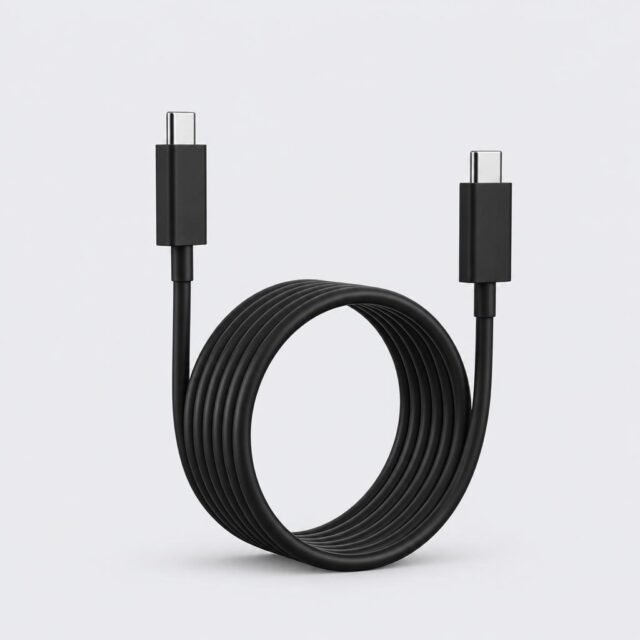
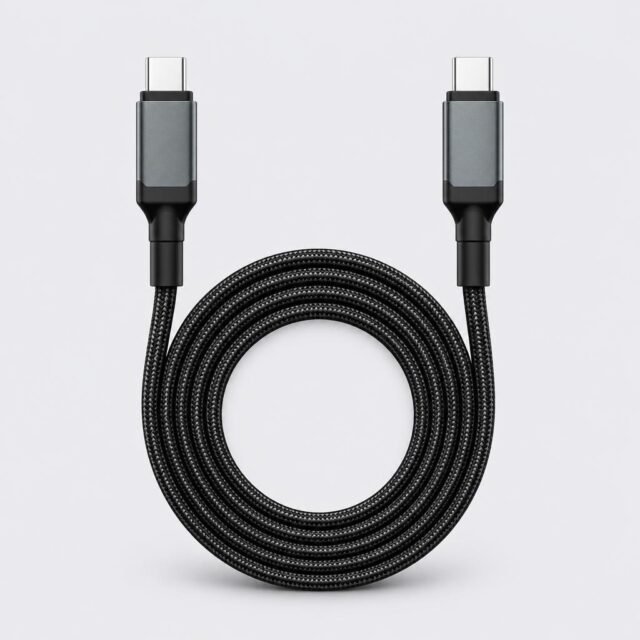
Quick answer: USB4 and Thunderbolt 4 both offer up to 40Gbps. Thunderbolt 4 adds guaranteed minimums such as dual 4K display support and PCIe bandwidth. Thunderbolt 5 doubles speed to 80Gbps, boosts up to 120Gbps for displays and supports up to 240W charging. Most people with a modern laptop and a dock need a 40Gbps cable; creators with Thunderbolt 5 machines should step up.
USB4: the open baseline
USB4 is built on the Thunderbolt 3 protocol and runs at 20Gbps or 40Gbps. Features like display output and PCIe tunnelling are optional, so two USB4 ports can behave differently. USB4 version 2 raises the ceiling to 80Gbps.
Thunderbolt 4: USB4 with guarantees
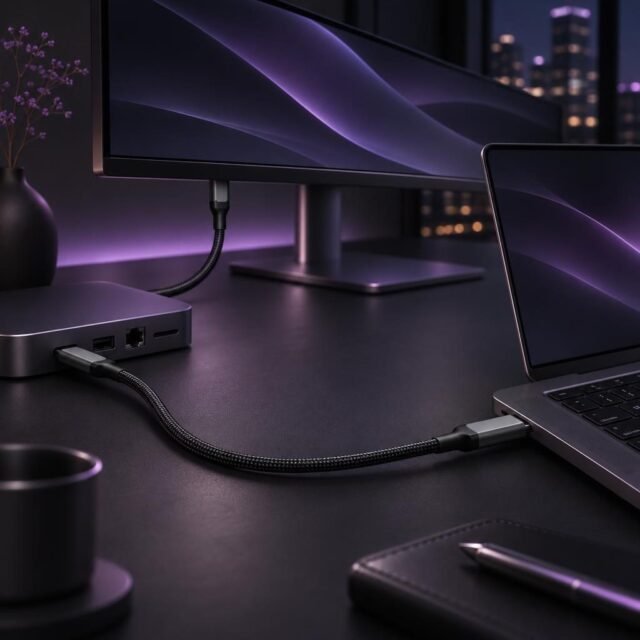
Every Thunderbolt 4 computer must support 40Gbps, two 4K displays (or one 8K), PCIe for fast external storage and laptop charging. That certainty is why docks and pro peripherals often target Thunderbolt.
Thunderbolt 5: for demanding setups
Thunderbolt 5 delivers 80Gbps in both directions, can rebalance to 120Gbps towards displays and supports up to 240W charging. It matters for multiple high refresh monitors, fast RAID storage and external graphics.
Cables are backwards compatible
| Cable | In a USB4 / TB4 port | In a TB5 port |
|---|---|---|
| USB4 40Gbps / Thunderbolt 4 | Full 40Gbps | 40Gbps |
| Thunderbolt 5 | Full 40Gbps | Full 80Gbps (120 boost) |
All of these cables also charge phones and work in basic USB-C ports at that port’s speed. Explore Gaatly high speed cables.
Standards and sources
Frequently asked questions
Can I use a Thunderbolt 4 cable with a USB-C phone?
Yes. Thunderbolt cables are fully compatible with standard USB-C devices and charge them normally.
Do I need Thunderbolt 5?
Only if your computer and dock support it and you run multiple high resolution, high refresh displays or very fast external storage.
Why are fast cables so short?
Passive cables lose signal over distance at high speeds. Around 1 metre is typical for 40Gbps and 80Gbps passive cables.
Ask the Gaatly Concierge or message our team. We reply in minutes.