Key takeaways
- HDMI 2.1 supports up to 48Gbps: enough for 4K 120Hz and 8K 60Hz.
- Gaming features include VRR, ALLM and lower latency; eARC carries lossless audio to soundbars.
- Use an Ultra High Speed HDMI cable and an HDMI 2.1 port on your TV.
- Enable the TV's enhanced HDMI or game mode setting on that input.
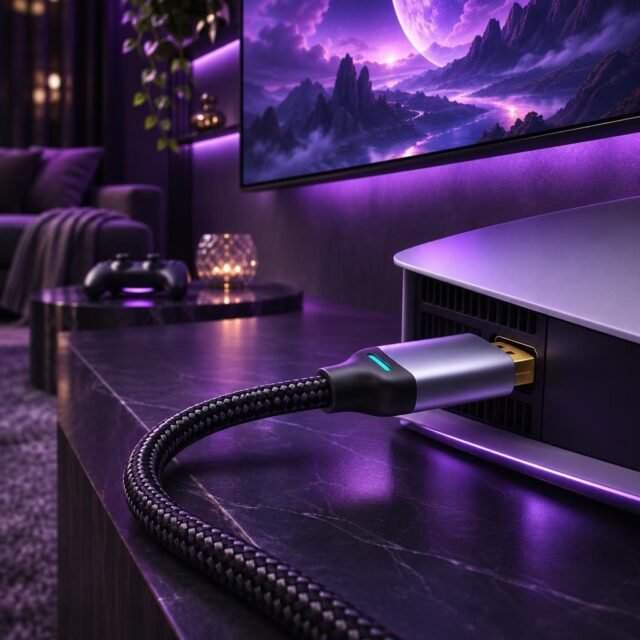
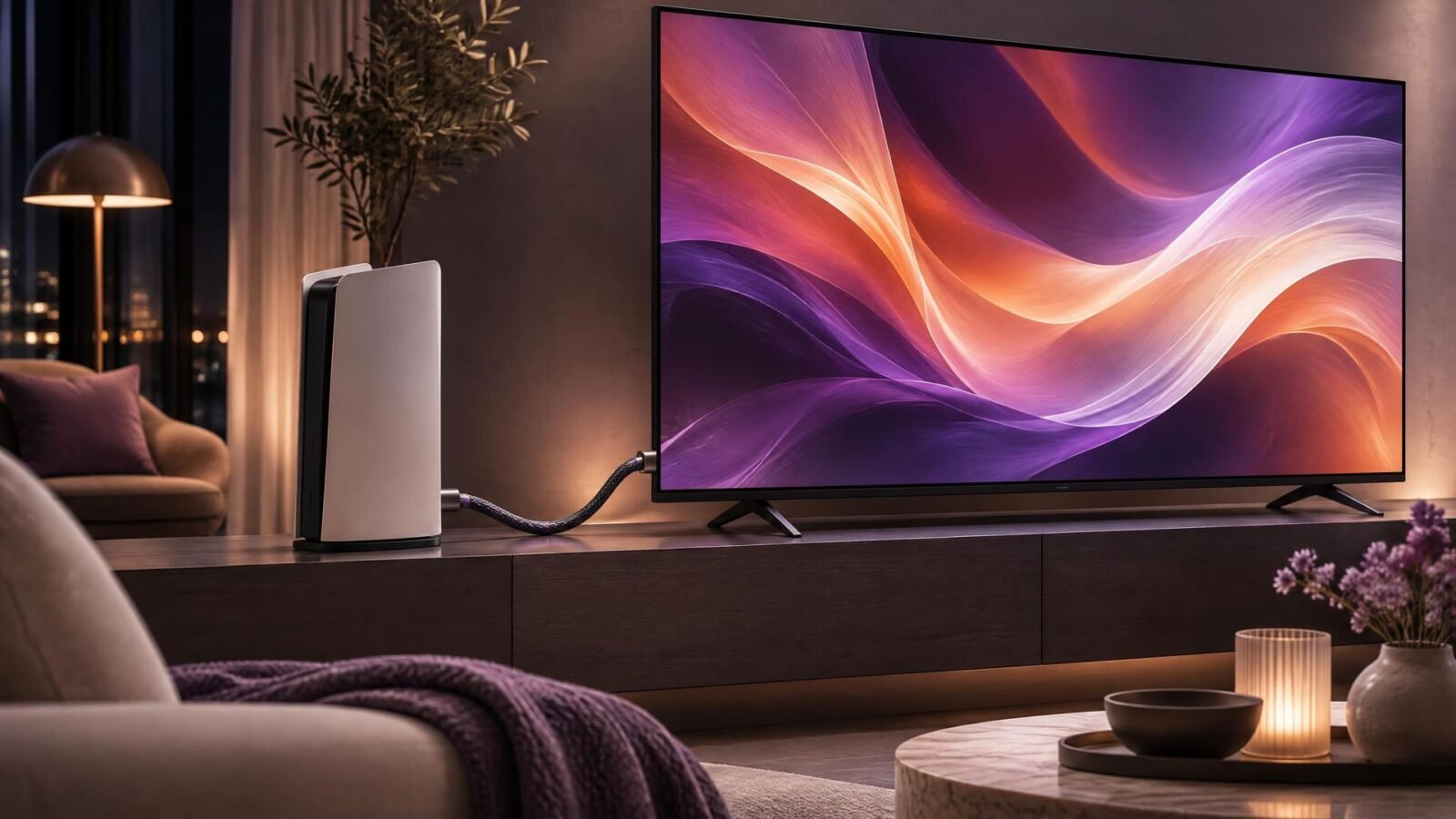
Quick answer: to get 4K at 120Hz from a PS5 or Xbox Series X you need three things: an HDMI 2.1 port on the TV, an Ultra High Speed (48Gbps) HDMI cable, and the TV’s enhanced HDMI or game mode switched on for that input.
What HDMI 2.1 adds
- 48Gbps bandwidth for 4K at 120Hz and 8K at 60Hz.
- VRR (variable refresh rate) to reduce tearing and stutter.
- ALLM (auto low latency mode) switches the TV into game mode automatically.
- eARC sends lossless and object-based audio to compatible soundbars and AV receivers.
Cables: why “Ultra High Speed” matters
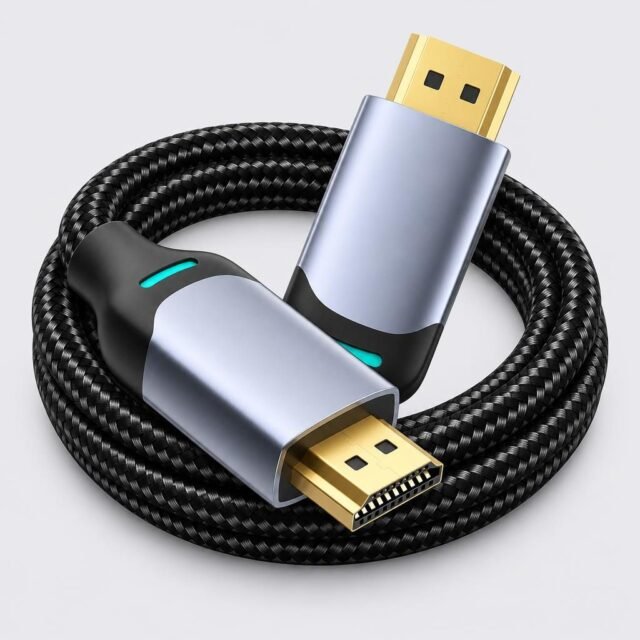
Older “High Speed” cables were designed for HDMI 1.4 and 2.0 bandwidth. HDMI 2.1 signals at up to 48Gbps, which needs a cable built for it. Certified Ultra High Speed cables are tested for that bandwidth. The Gaatly 8K HDMI 2.1 Braided Cable is rated for 48Gbps, 4K 120Hz and 8K 60Hz.
Setup checklist
- Plug into the TV input labelled 4K 120Hz, HDMI 2.1 or eARC (only some inputs support full bandwidth on many TVs).
- Turn on enhanced HDMI, input signal plus or game mode for that input.
- On the console, enable 120Hz output and VRR in display settings.
- Use a cable of 3 metres or less where possible.
Shop HDMI and display cables.
Standards and sources
Frequently asked questions
Does my PS5 need an HDMI 2.1 cable?
For 4K at 120Hz, yes. Use an Ultra High Speed HDMI cable and a TV input that supports HDMI 2.1.
Is HDMI 2.1 backwards compatible?
Yes. HDMI 2.1 cables work with older HDMI devices at those devices' capabilities.
Why can I not select 120Hz?
The TV input may not support HDMI 2.1, enhanced HDMI may be off, or the cable may not be rated for 48Gbps.
Ask the Gaatly Concierge or message our team. We reply in minutes.