Key takeaways
- Gen 1 = 5Gbps, Gen 2 = 10Gbps, Gen 2x2 = 20Gbps (USB-C only).
- Newer labels simply say USB 5Gbps, USB 10Gbps and USB 20Gbps.
- Your speed is set by the slowest link: port, cable, hub and drive.
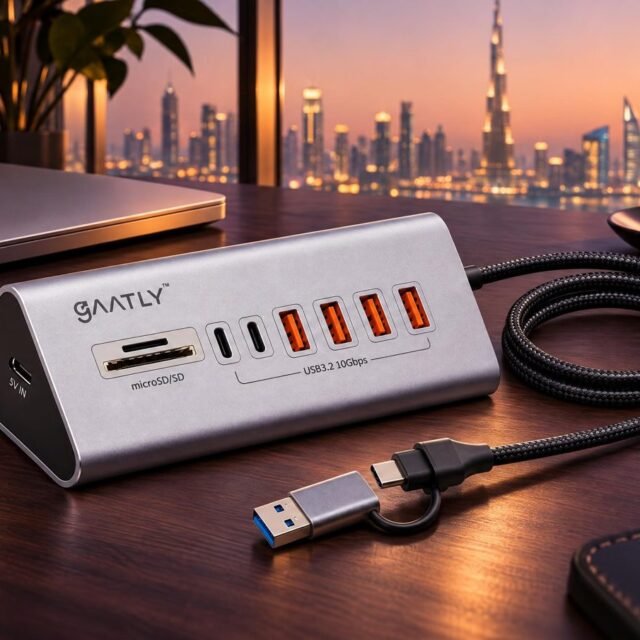
- A 10Gbps hub like the DeskHub lets a fast portable SSD run near full speed.
Quick answer: USB 3.2 Gen 1 runs at 5Gbps, Gen 2 at 10Gbps and Gen 2×2 at 20Gbps. The USB-IF now recommends the simpler names USB 5Gbps, USB 10Gbps and USB 20Gbps. Gen 2×2 only exists on USB-C because it uses two lanes.
Why the names are confusing
USB 3.0 was renamed USB 3.1 Gen 1 and later USB 3.2 Gen 1, all describing the same 5Gbps speed. Manufacturers often use the most impressive sounding version number, which is why “USB 3.2” on a box tells you very little. Always look for the Gbps figure.
What the speeds mean in practice
| Standard | Signalling rate | Typical real transfer |
|---|---|---|
| USB 2.0 | 480Mbps | 30 to 40MB/s |
| USB 5Gbps (3.2 Gen 1) | 5Gbps | up to about 450MB/s |
| USB 10Gbps (3.2 Gen 2) | 10Gbps | up to about 1,000MB/s |
| USB 20Gbps (3.2 Gen 2×2) | 20Gbps | up to about 2,000MB/s |
Real-world speeds are lower than the signalling rate because of encoding and protocol overhead, and depend heavily on the drive itself.
The weakest link rule
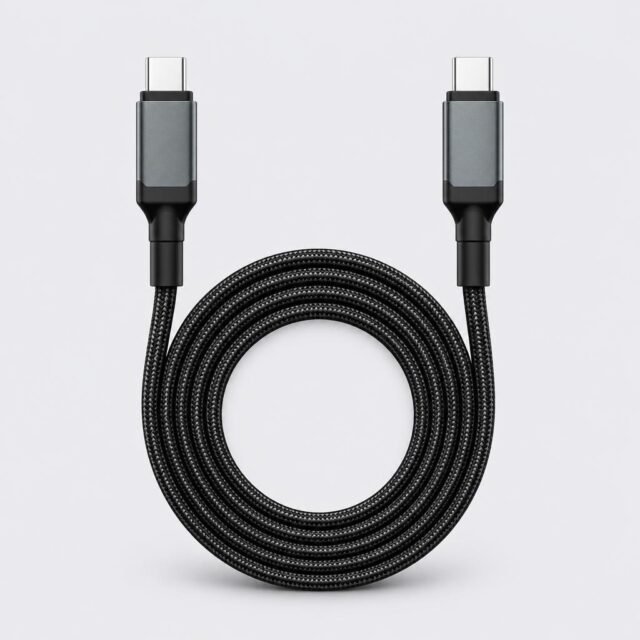
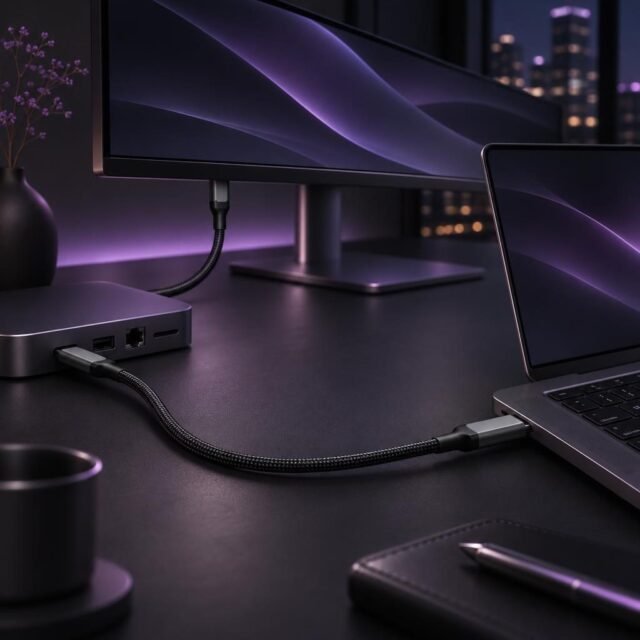
A 10Gbps SSD connected through a 5Gbps hub runs at 5Gbps. The same applies to cables: a USB 2.0 charging cable caps any drive at 480Mbps. For a fast desk setup, make sure the port, cable and hub all support 10Gbps or more.
Where the DeskHub fits
The Gaatly DeskHub 8 Port runs every USB-C and USB-A data port at USB 3.2 Gen 2 (10Gbps), so photographers can offload cards and back up to an SSD at the same time. See all hubs and docks.
Standards and sources
Frequently asked questions
Is USB 3.2 faster than USB 3.1?
Not necessarily. USB 3.2 Gen 1 is the same 5Gbps as USB 3.0 and USB 3.1 Gen 1. Look at the Gbps number, not the version.
Do USB-A ports support 10Gbps?
Yes, USB-A can carry USB 3.2 Gen 2 at 10Gbps. Only Gen 2x2 (20Gbps) requires USB-C.
Will a 10Gbps hub make my old flash drive faster?
No. The drive itself limits speed. A fast hub only helps fast devices reach their full potential.
Ask the Gaatly Concierge or message our team. We reply in minutes.