Key takeaways
- USB-C iPads work with hubs, SD readers, drives and external displays.
- Features like extended displays depend on the iPad model and iPadOS version.
- A 30W or higher USB-C PD charger fast-charges iPads.
- Use a hub with power pass-through to charge while connected.
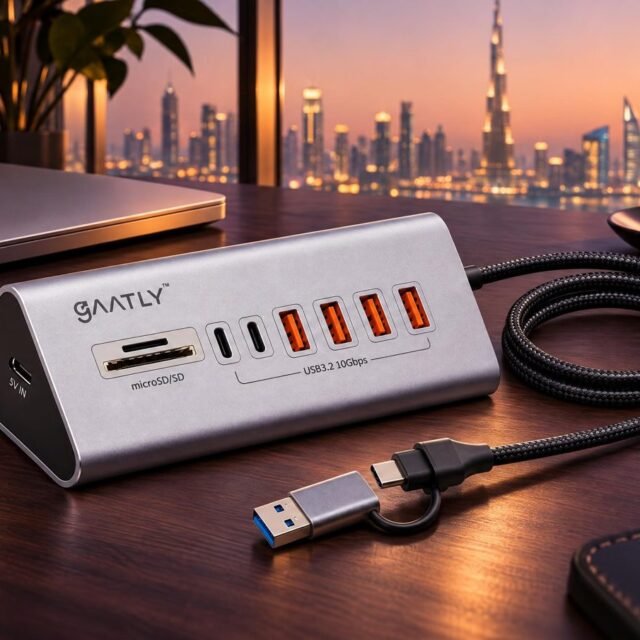
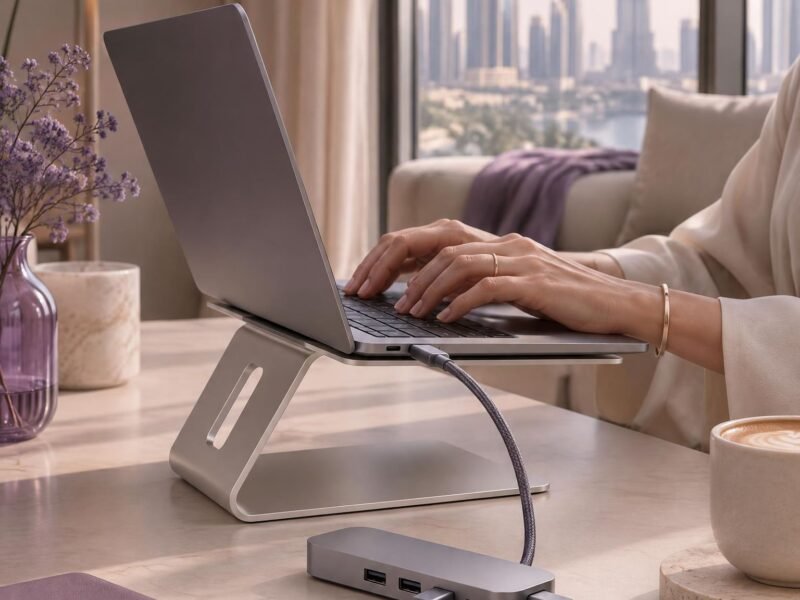
Quick answer: a compact USB-C hub with HDMI, SD and USB-A ports plus power pass-through turns a USB-C iPad into a desk setup. External display support and data speed depend on your model, so check Apple’s specifications.
Hubs
Choose a hub with a USB-C PD input so the iPad charges while you work, plus SD and microSD for photos.
Displays
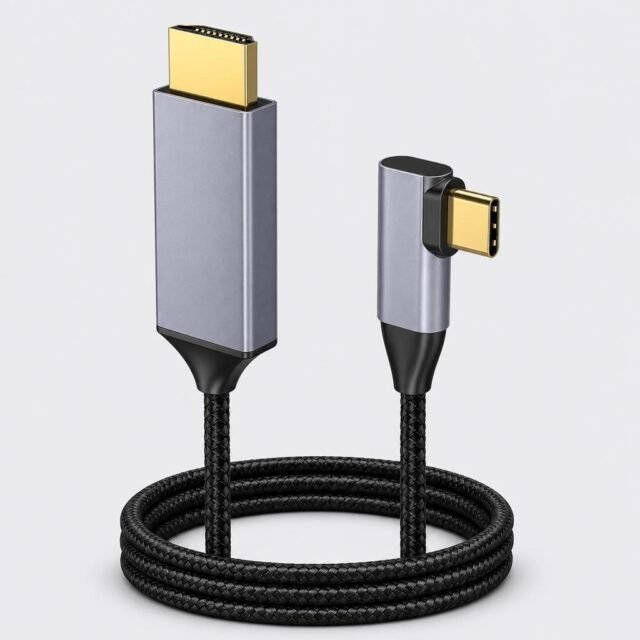
All USB-C iPads can output video. Recent iPadOS versions support extended displays on many models. Use USB-C to HDMI or a hub with HDMI.
Storage
Drives and cards appear in the Files app. Pro models with faster USB ports transfer large files much quicker.
Charging
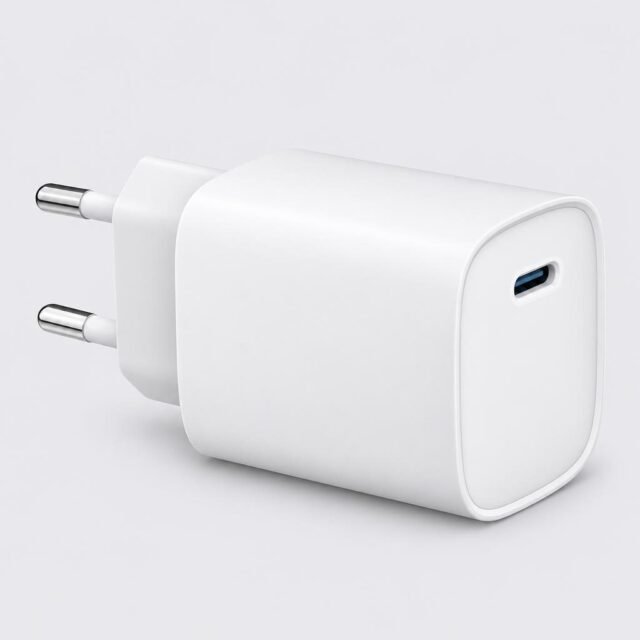
A 30W to 45W USB-C PD charger is ideal for iPads.
See hubs and our SD card reader guide.
Standards and sources
Frequently asked questions
Can my iPad use a mouse and keyboard through a hub?
Yes, USB and Bluetooth keyboards and mice are supported.
Why is my monitor mirroring?
Extended display support depends on the model and iPadOS version. Check Apple Support for your iPad.
What charger for iPad Pro?
A 30W or higher USB-C PD charger; higher wattage is safe.
Ask the Gaatly Concierge or message our team. We reply in minutes.