Key takeaways
- Place the desk side-on to windows to cut glare on screens.
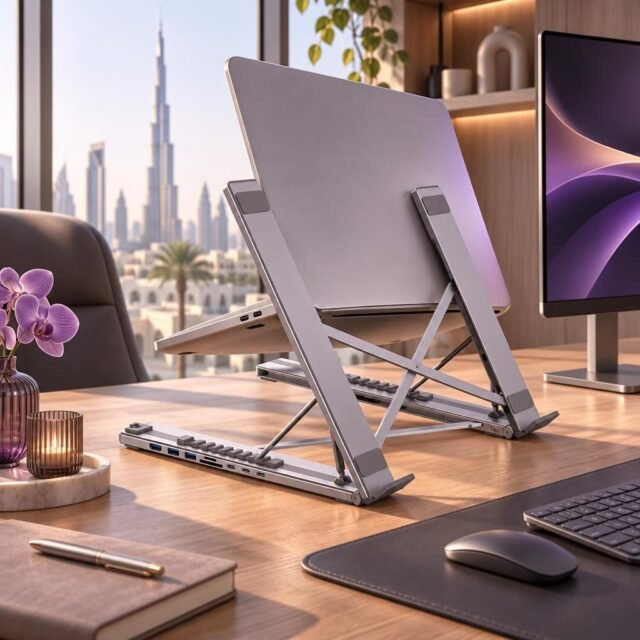
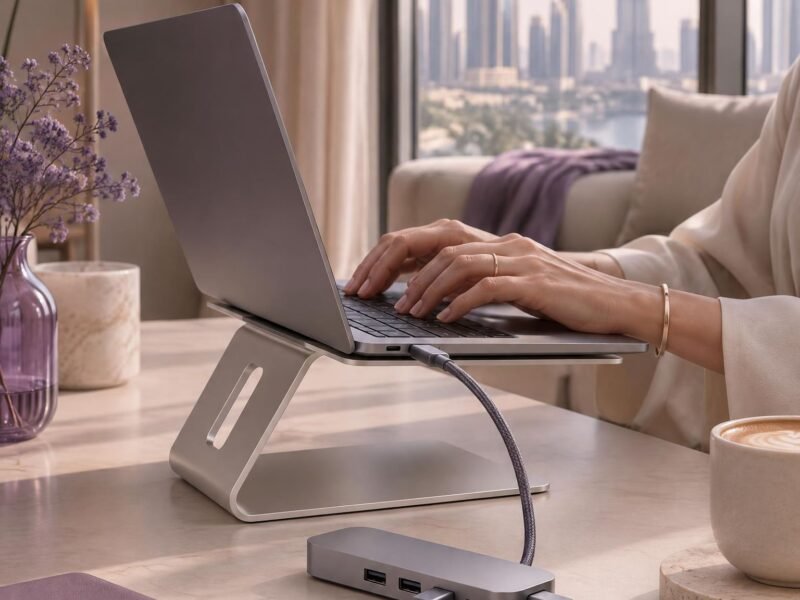
- Raise the laptop to eye level and use a separate keyboard and mouse.
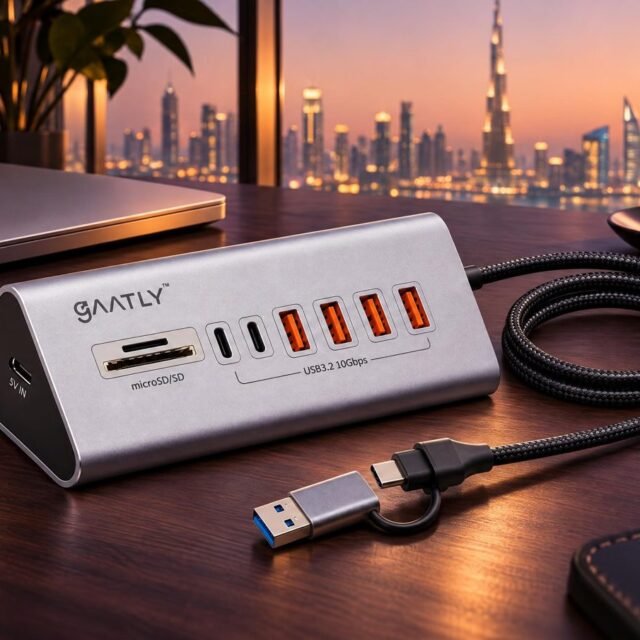
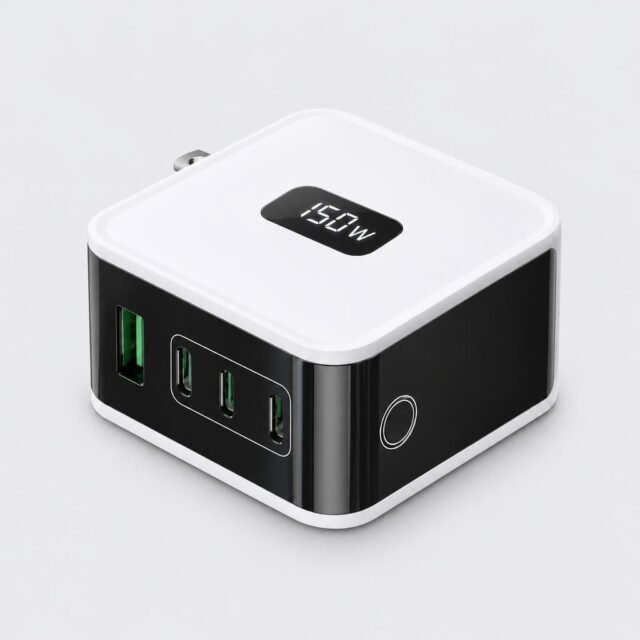
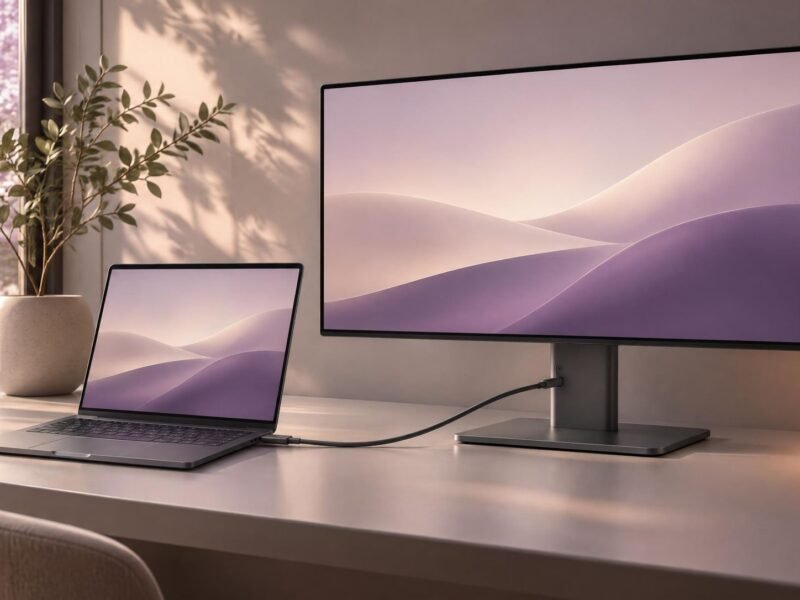
- One hub or dock and one multi-port GaN charger keep the desk clear.
- UAE sockets are Type G (UK style); choose chargers with the right plug.
Quick answer: put the desk side-on to the window, raise your laptop to eye level, connect everything through one hub or dock, power the desk from a single multi-port GaN charger plugged into a surge-protected strip, and use a wired connection for important calls.
1. Position and light
Strong daylight is great for mood and bad for screens. Sit side-on to windows and use blinds in the afternoon. A warm desk lamp helps in the evening.
2. Ergonomics
Raise the screen and keep your elbows near 90 degrees. Read the laptop stand guide.
3. One cable to the laptop
A hub with power pass-through or a dock turns plug-in time into a single click. See hub vs dock.
4. Power
UAE homes use Type G sockets at 230V. A multi-port GaN charger replaces several bricks; plug it into a surge-protected strip.
5. Calls
Use Ethernet where you can, sit facing the light and keep a pair of earbuds with a good microphone nearby.
6. Heat
Summer heat makes devices throttle. Keep chargers and laptops ventilated and away from direct sun.
Frequently asked questions
What plug type does the UAE use?
Mostly Type G (three rectangular pins, as in the UK), at 230V and 50Hz.
Do I need a surge protector?
It is good practice for expensive electronics, especially with several devices on one strip.
Is a dock worth it for working from home?
Yes if you use monitors and accessories every day; one cable saves time and wear on ports.
Ask the Gaatly Concierge or message our team. We reply in minutes.