Key takeaways
- Hardware cools with room air, so a warm room means louder fans and more heat stress.
- Leave at least 10cm around vents and never enclose a console in a closed cabinet.
- Clean dust every few months; dust is the main cause of rising temperatures over time.
- Never leave handhelds, controllers or power banks in a parked car.
Quick answer: keep the room cool, give the console open space on every vented side, keep it out of direct sun, clean dust every few months, and never leave gaming devices or power banks in a car. Most heat problems in UAE homes come from enclosed cabinets and sunlit corners, not the hardware itself.
Why ambient temperature matters
A console or PC can only cool its chips to a temperature above the air around it. In a room at 22 degrees the fans have an easy job; in a sunlit corner at 30 degrees they spin faster and louder, and components run hotter. Sony, for example, specifies an operating temperature range for the PS5 of 5 to 35 degrees Celsius. Comfortably cool rooms keep you far from the upper limit.
Placement
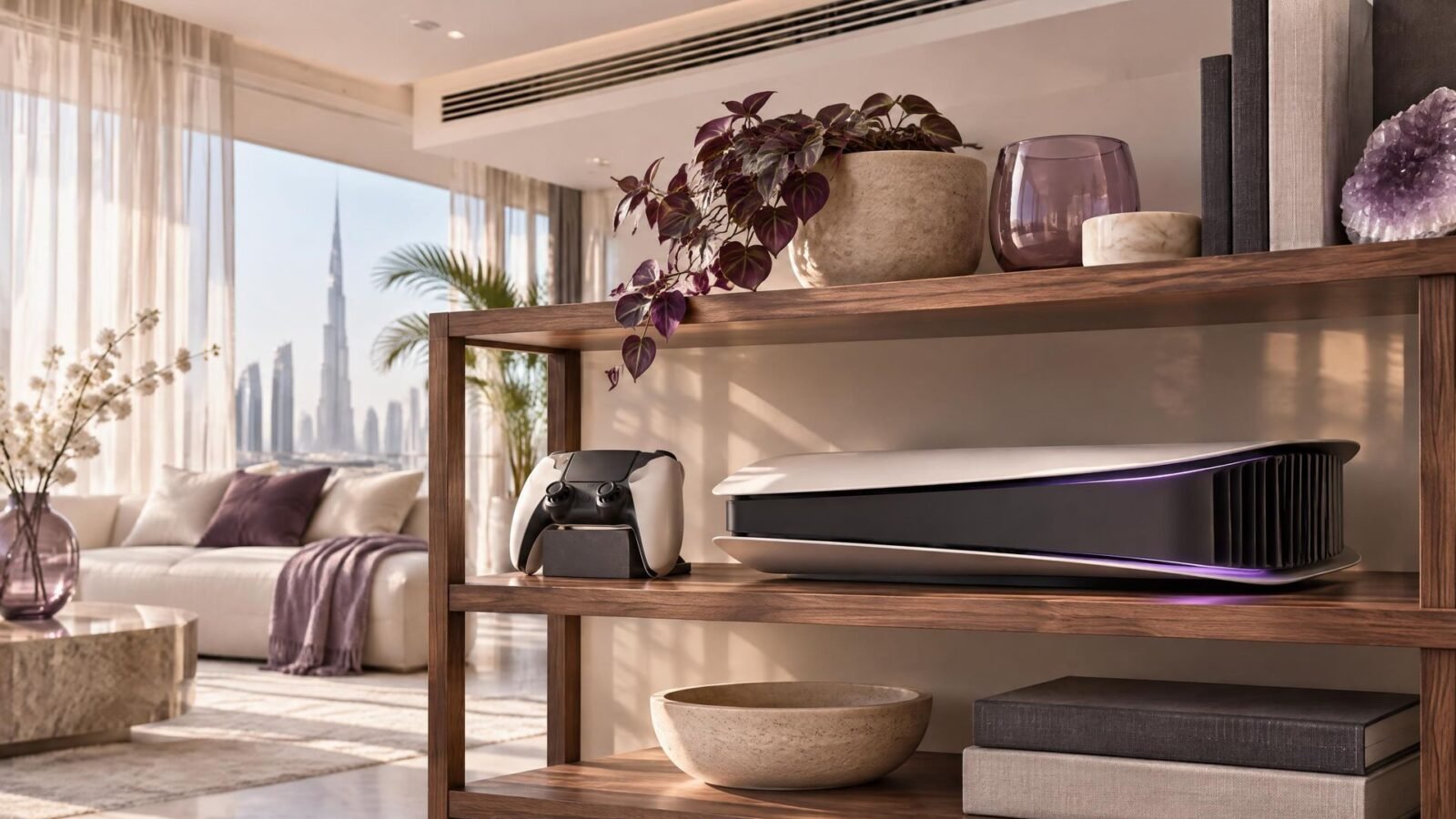
- Leave at least 10cm of clear space around intake and exhaust vents.
- Open shelves are fine; closed cabinets with doors are not.
- Keep consoles off carpets and soft surfaces that block vents.
- Avoid spots in direct afternoon sun, beside AV receivers or above other hot equipment.
- Vertical or horizontal orientation does not matter for cooling if vents stay clear.
Air conditioning habits
Cool the room before long sessions rather than turning the AC on mid-game. Ceiling AC vents blowing towards the console are fine; blowing directly into the exhaust is not ideal, as it fights the console’s airflow.
Dust: the slow enemy
Fine desert dust builds up on intake grilles and heatsinks. Every few months, power down, unplug and gently clean the vents with a soft brush or low-power vacuum. On a PS5, the removable side panels give access to dust catchers. Gaming PCs benefit from dust filters on intakes.
Power and surges
Summer demand can bring brief power interruptions. A surge-protected power strip protects your console and TV; for gaming PCs, a small UPS lets you save and shut down cleanly. Avoid chaining extension leads.
Handhelds and accessories outdoors
Car interiors in a UAE summer can become far hotter than any battery tolerates. Never leave a Switch, Steam Deck, controller or power bank in a parked car. If a device feels hot after time outdoors, let it cool to room temperature before charging. Read charging in the car during a UAE summer.
Signs to act on
- Fans noticeably louder than when new.
- Overheating warnings or sudden shutdowns.
- A burning smell or discoloured plastic: stop using the device and contact the manufacturer.
Standards and sources
Frequently asked questions
What room temperature is best for a PS5?
Any comfortable air conditioned room works well. Sony specifies an operating range of 5 to 35 degrees Celsius; cooler rooms keep the fan quieter.
Can a PS5 overheat in a TV cabinet?
Yes, if the cabinet is enclosed. Use open shelving with at least 10cm of space around the vents.
Should I use a cooling stand for my console?
It is rarely needed. Good placement, a cool room and regular dust cleaning are more effective.
Ask the Gaatly Concierge or message our team. We reply in minutes.