Key takeaways
- Plan the desk around the monitor: arm's-length viewing distance and the top of the screen at or slightly below eye level.
- A desk at least 70cm deep comfortably fits a 27 inch monitor, keyboard and a large mouse mat.
- Route power and data separately, and keep one tidy power point with surge protection.
- In the UAE, airflow and air conditioning matter as much as specs for consoles and PCs.
Quick answer: start with a desk at least 140cm wide and 70cm deep, place the monitor an arm’s length away with its top edge at eye level, use an extra-large desk mat, run every cable to one point behind the desk, and give consoles and PCs open space to breathe. Buy fewer, better pieces and the desk stays calm.
The best gaming setups do not look busy. They look deliberate: one surface, one light source, nothing dangling. That calm is also practical, because a tidy desk is easier to clean, easier to cool and easier to upgrade.
1. The desk itself
- Width: 140cm fits one large monitor with room for speakers or a console. 160 to 180cm suits dual monitors or a monitor plus a laptop.
- Depth: 70cm is the practical minimum for a 27 inch monitor; 80cm is better for 32 inch and ultrawide screens.
- Height: your elbows should rest at roughly 90 degrees with relaxed shoulders. Height-adjustable desks make this easy and let you stand between sessions.
- Surface: solid wood or a quality laminate resists flex. A walnut or oak top reads warm and premium under evening light.
2. Monitor placement
Sit back in your normal posture and extend your arm: your fingertips should roughly reach the screen. Set the top of the display at or slightly below eye level and tilt it back a few degrees. A monitor arm frees the desk surface, makes small adjustments easy and hides the cable inside the arm. For refresh rates and ports, read our gaming monitor guide.
3. Chair and posture
A good chair supports the lower back and lets your feet rest flat. Armrests should sit level with the desk so your forearms are supported. Long sessions are easier on the body with a short break every hour: stand, stretch and look into the distance.
4. Power, done properly
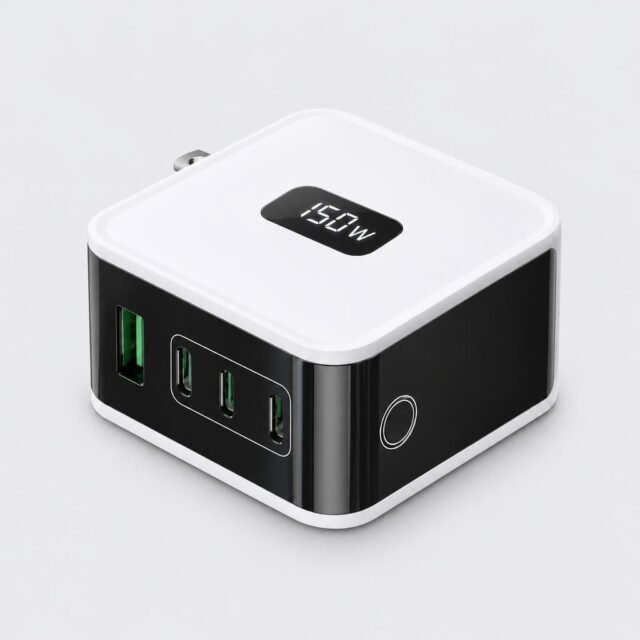
UAE homes run on 230V, mostly with UK-style three-pin sockets. Plan one power point behind the desk with a quality surge-protected strip, mounted under the desk so it never sits on the floor. Avoid chaining one extension into another. Group high-draw devices (PC, monitor, console) on the strip and use a single multi-port GaN charger for everything small: controller, headset, phone and earbuds.
5. Data and display connections
| Device | Connection | Why |
|---|---|---|
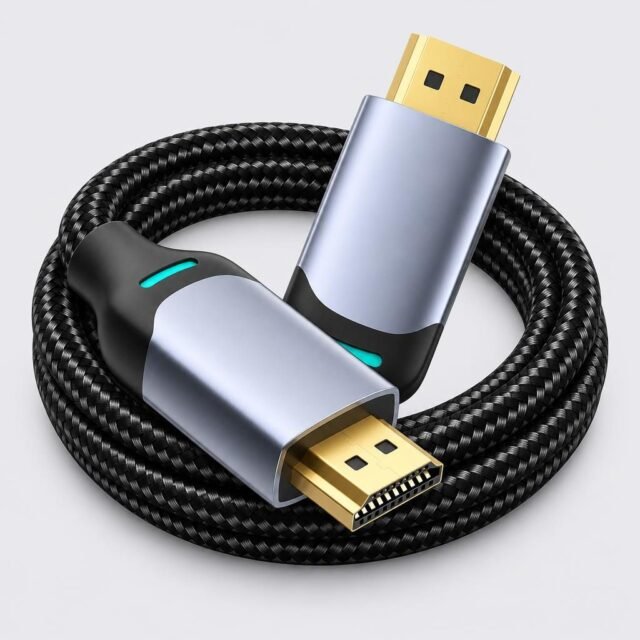
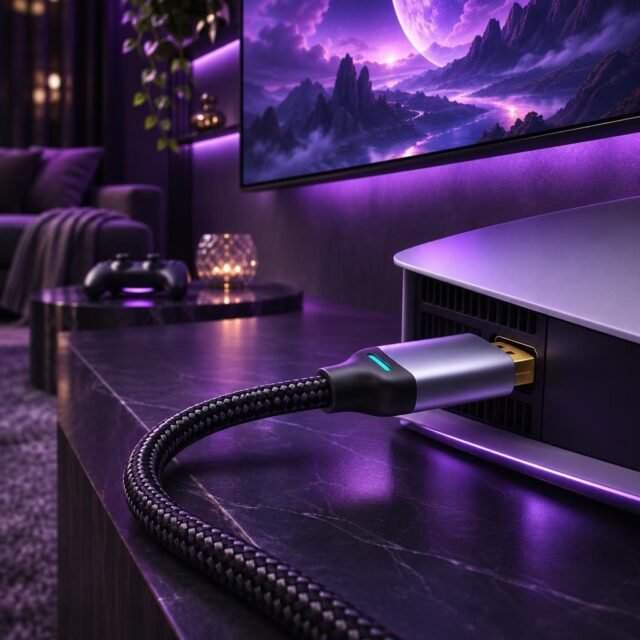
| PS5 or Xbox to TV or monitor | HDMI 2.1, 48Gbps | 4K at 120Hz, VRR and ALLM |
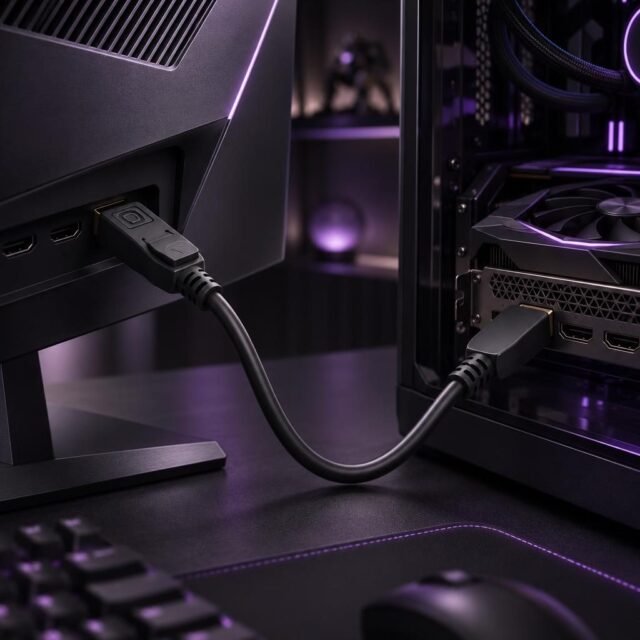
| PC to gaming monitor | DisplayPort 1.4 or 2.1 | High refresh at 1440p and 4K |
| Laptop to monitor | USB-C with DisplayPort Alt Mode, or HDMI | One cable for video, and often power |
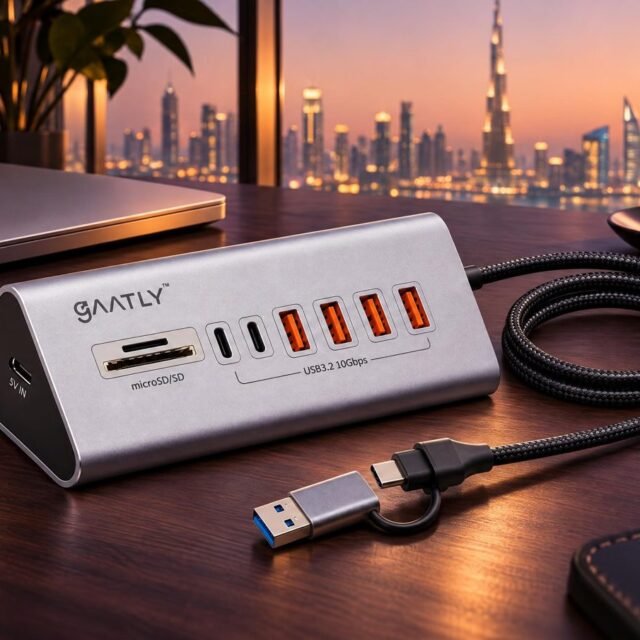
| Wireless receivers, webcam, storage | A desk hub with 10Gbps ports | Receivers close to the mat, drives at full speed |
Our HDMI 2.1 guide and DisplayPort vs HDMI guide explain the details.
6. Cable management that lasts
- Mount the power strip and a cable tray under the back edge of the desk.
- Run each cable from device straight down into the tray, never across the surface.
- Use cables of the right length: 1 to 2 metres for most desk connections, as our cable length guide explains.
- Bundle with reusable hook-and-loop ties, not zip ties, so changes take seconds.
- Leave one short braided USB-C cable on the desk for charging a controller or mouse.
Our full cable management guide walks through it step by step.
7. Light and sound
A monitor light bar or a warm desk lamp behind the screen reduces eye strain in a dark room far more than RGB effects do. If you love colour, pick one accent and keep it consistent. Hard surfaces echo; a rug and fabric curtains make voice chat and microphones sound much better.
8. Heat and air conditioning
Consoles and PCs pull in room air to cool themselves. Keep at least 10cm of space around vents, never enclose a console in a closed cabinet, and avoid placing it where afternoon sun hits. Read our guide to keeping consoles and PCs cool in a UAE summer.
9. The finishing pieces
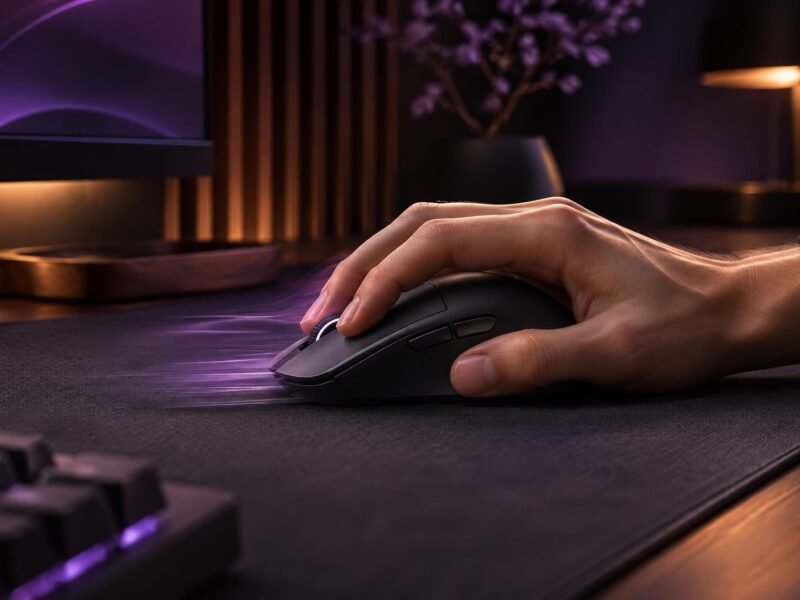
An extra-large desk mat ties the setup together visually and gives the mouse room. A headphone stand, a small tray for receivers and USB sticks, and a single plant soften the look. That is usually all a premium setup needs.
Standards and sources
Frequently asked questions
How deep should a gaming desk be?
At least 70cm for a 27 inch monitor, and around 80cm for 32 inch or ultrawide screens, so the screen sits at a comfortable distance.
How do I hide cables on a gaming desk?
Mount a cable tray and power strip under the back edge of the desk, run cables straight down into it, and use cables cut to the right length with reusable ties.
Should a PS5 sit inside a TV cabinet?
Only if the cabinet is open with plenty of space around the vents. Closed cabinets trap heat, which makes the fan louder and can affect performance.
Ask the Gaatly Concierge or message our team. We reply in minutes.