Key takeaways
- Choose the switch feel first (linear, tactile or clicky), then the layout, then extras.
- Hall effect switches with adjustable actuation and rapid trigger give a measurable edge in fast competitive games.
- A 75 percent layout keeps arrows and function keys while freeing space for wide mouse movements.
- For wireless play use the 2.4GHz receiver, not Bluetooth; keep Bluetooth for laptops and tablets.
Quick answer: for most players a 75 percent keyboard with smooth linear switches, PBT keycaps and a 2.4GHz wireless mode is the best all-rounder. If you play fast competitive shooters, consider magnetic Hall effect switches with rapid trigger. Full size boards only make sense if you use the number pad every day.
A keyboard is the one part of a gaming setup you touch for every second of every session. It shapes comfort, accuracy and how a desk looks. The good news is that the core decisions are few and easy to make once you know what each one changes.
1. Switches: how every key press feels
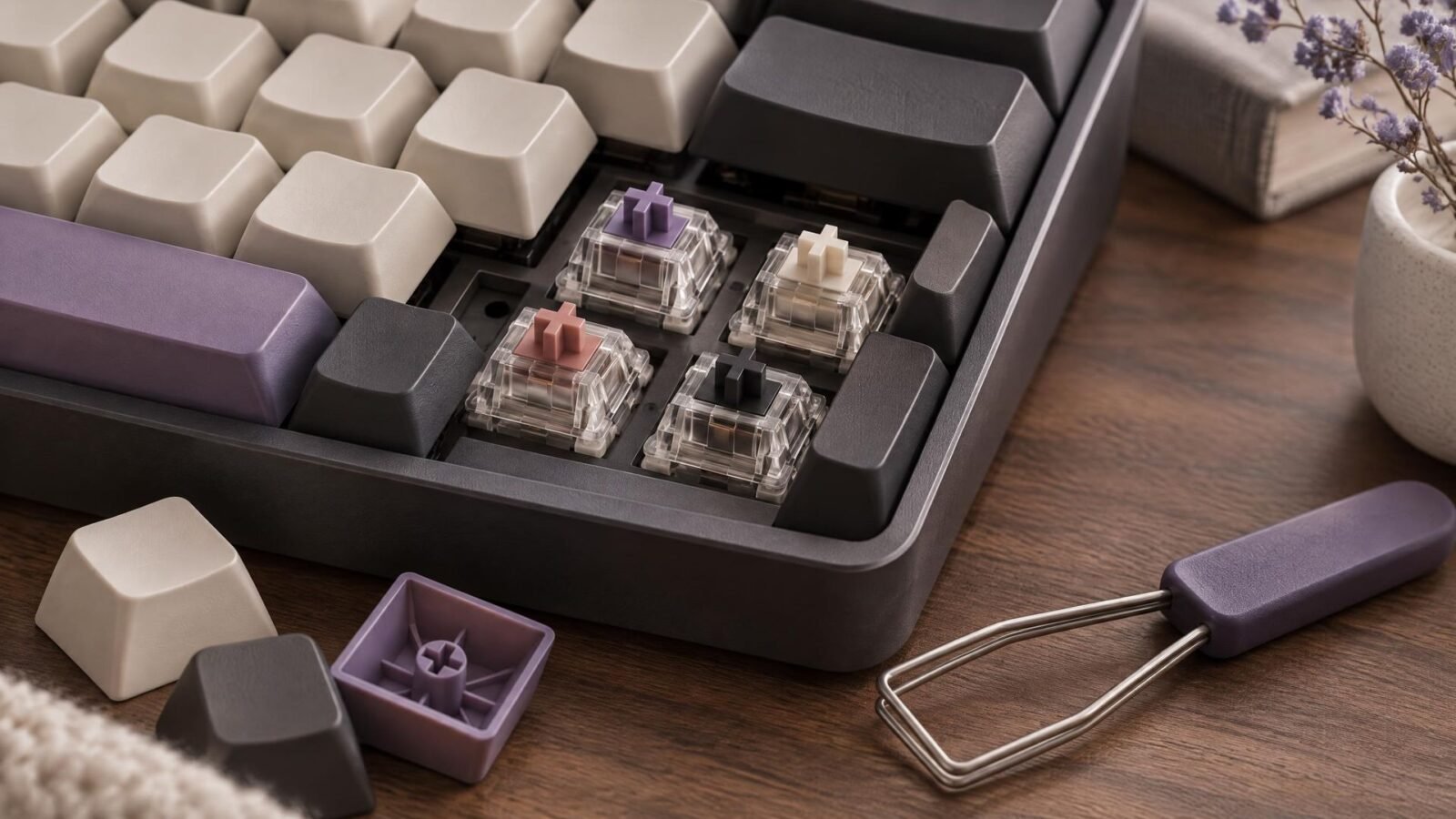
The switch under each key decides the feel and the sound. There are three families of traditional mechanical switch, plus the newer magnetic type.
| Type | Feel | Sound | Best for |
|---|---|---|---|
| Linear | Smooth from top to bottom, no bump | Quiet to moderate | Fast games, rapid double taps, most players |
| Tactile | A small bump where the key registers | Moderate | Players who also type a lot |
| Clicky | Bump plus an audible click | Loud | Typing enthusiasts with a room to themselves |
| Hall effect (magnetic) | Usually linear, with adjustable trigger point | Quiet to moderate | Competitive shooters and rhythm games |
Two numbers describe a switch: actuation force (how hard you press, typically 35 to 60 grams) and actuation point (how far down the key registers, typically around 2mm on a standard mechanical switch). Lighter switches feel fast but are easier to press by accident. Heavier switches feel deliberate and reduce mistakes for heavy-handed typists.
2. Hall effect and rapid trigger, explained simply
A traditional switch registers a press when two metal contacts touch at a fixed depth. A Hall effect switch uses a magnet and a sensor to measure exactly how far the key has travelled. That allows two features that genuinely change gameplay:
- Adjustable actuation: you choose the depth at which each key registers, from a feather touch for movement keys to a deeper press for keys you do not want to trigger by accident.
- Rapid trigger: the key resets the moment it starts moving up, instead of waiting to pass a fixed reset point. In games where you strafe and stop constantly, your character stops sooner and changes direction faster.
If you mostly play story games, racing titles with a controller or strategy games, rapid trigger adds little. If you play tactical shooters or rhythm games, it is one of the few hardware upgrades you can actually feel.
3. Layout: how much keyboard you need
| Layout | Approximate keys | What you give up | Who it suits |
|---|---|---|---|
| Full size (100%) | 104 to 108 | Desk space | Spreadsheets and number entry |
| Tenkeyless (TKL) | 87 | Number pad | A classic balance of function and space |
| 75% | About 84 | Number pad, some spacing | Most players: keeps arrows and F-keys |
| 65% | About 68 | F-key row | Compact desks and low-sensitivity aiming |
| 60% | About 61 | F-keys and arrows | Travel and very low sensitivity players |
The reason competitive players favour smaller boards is mouse room. If you aim with large arm movements, every centimetre the keyboard does not occupy is space your mouse can use.
4. Polling rate and latency
Polling rate is how often the keyboard reports to the computer. At 1000Hz it reports every millisecond; at 8000Hz, every eighth of a millisecond. A higher polling rate shaves a fraction of a millisecond off input delay. It is real but small, and it uses more processor time and battery. For most players 1000Hz is excellent; 4000Hz and 8000Hz are for those chasing every last advantage on a capable PC.
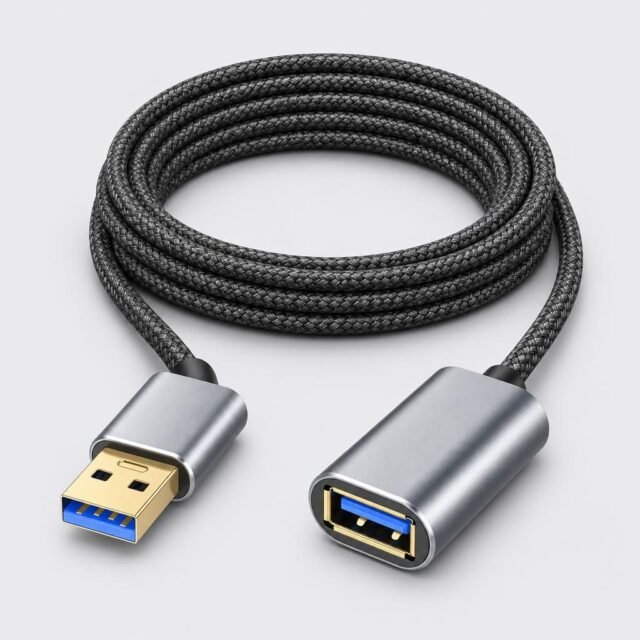
Wireless is no longer a compromise when it uses a dedicated 2.4GHz receiver: well designed receivers deliver latency comparable to a cable. Bluetooth is convenient for laptops and tablets but adds noticeably more delay, so switch to the receiver when you play. Keep the receiver close to the keyboard, ideally on a short extension or a front hub port rather than behind a metal PC case.
5. Build quality: where premium shows
- Case: machined aluminium resists flex and stays put; plastic is lighter for travel.
- Mounting: gasket-mounted plates sit on soft dampers for a cushioned, quieter sound. Tray mounts feel firmer.
- Keycaps: PBT plastic resists the shiny wear that ABS keycaps develop after months of use.
- Hot-swap sockets: let you change switches without soldering, so the keyboard can evolve with you.
- Stabilisers: the wire supports under long keys. Well tuned stabilisers remove rattle from the space bar and enter key.
- Cable: a detachable braided USB-C cable outlasts a fixed one and makes travel easier.
6. Mac, Windows and consoles
Most gaming keyboards work with macOS, Windows and Linux, but check for a Mac layout toggle if you switch between systems: it swaps the Command and Option keys into the right place. PS5 and Xbox support USB keyboards in many games and in the system menus, though not every game supports keyboard and mouse.
7. A sensible checklist
- Decide linear, tactile or clicky. If unsure, start with linear.
- Choose the layout by how much mouse space you need.
- Choose wired, or wireless with a 2.4GHz receiver.
- Check PBT keycaps, hot-swap sockets and a detachable USB-C cable.
- Add rapid trigger only if you play fast competitive titles.
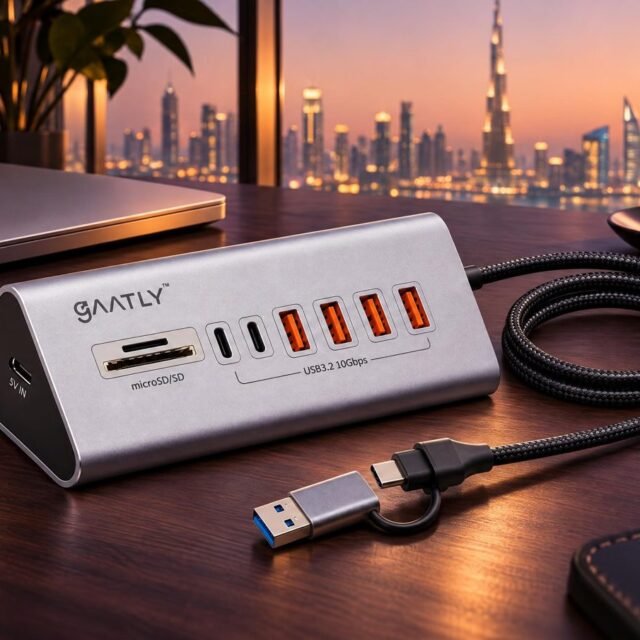
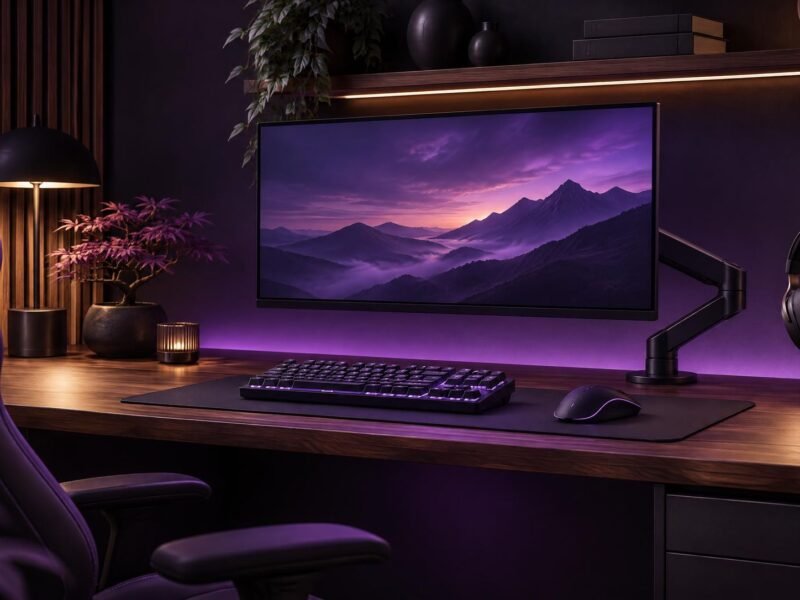
Pair your keyboard with the right surface and mouse: read our gaming mouse guide, desk mat guide and the complete gaming desk setup guide. For a clean connection to a laptop or console, a powered hub like the Gaatly DeskHub 8 Port keeps the receiver and cables in one place.
Standards and sources
Frequently asked questions
Are mechanical keyboards better for gaming?
They are more consistent and durable than most membrane keyboards, and they let you choose the feel. Magnetic Hall effect keyboards go further with adjustable actuation and rapid trigger.
Is a 75 percent keyboard good for gaming?
Yes. It keeps the arrow and function keys most people use while freeing desk space for the mouse, which is why it is a popular choice for gaming and work.
Does polling rate matter?
A little. 1000Hz is excellent for most players. Higher rates reduce delay by fractions of a millisecond and are worthwhile mainly for competitive play on a powerful PC.
Can I use a wireless keyboard for competitive games?
Yes, with its 2.4GHz receiver. Avoid Bluetooth for competitive play because it adds more latency.
Ask the Gaatly Concierge or message our team. We reply in minutes.