Key takeaways
- For PC gaming monitors, DisplayPort is usually the best choice.
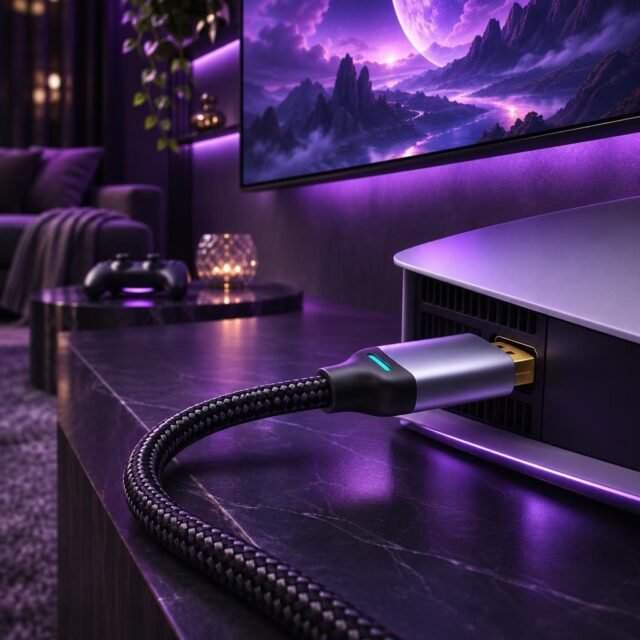
- Consoles use HDMI; use HDMI 2.1 for 4K 120Hz.
- DP 1.4 handles 4K 144Hz with DSC; DP 2.1 goes much further.
- Use a certified cable rated for your resolution and refresh rate.
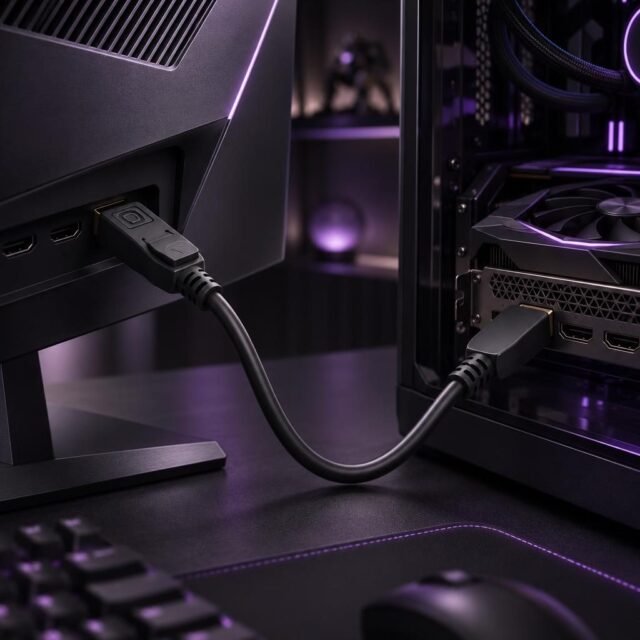
Quick answer: on a gaming PC, connect your monitor with DisplayPort for the widest refresh rate and adaptive sync support. Use HDMI 2.1 for PS5, Xbox Series X and TVs. For laptops with only USB-C, a USB-C to DisplayPort cable gives the cleanest high refresh signal.
DisplayPort versions
| Version | Bandwidth | Example capability |
|---|---|---|
| DP 1.4 | 32.4Gbps | 4K 144Hz with DSC, 1440p 240Hz |
| DP 2.1 (UHBR20) | 80Gbps | 4K 240Hz, 8K high refresh with DSC |
HDMI versions
HDMI 2.0 tops out around 4K 60Hz. HDMI 2.1 reaches 48Gbps for 4K 120Hz and 8K 60Hz. See our HDMI 2.1 guide.
Adaptive sync
NVIDIA G-Sync and AMD FreeSync are supported over DisplayPort on almost every monitor. Over HDMI, support varies by monitor and graphics card.
Cables
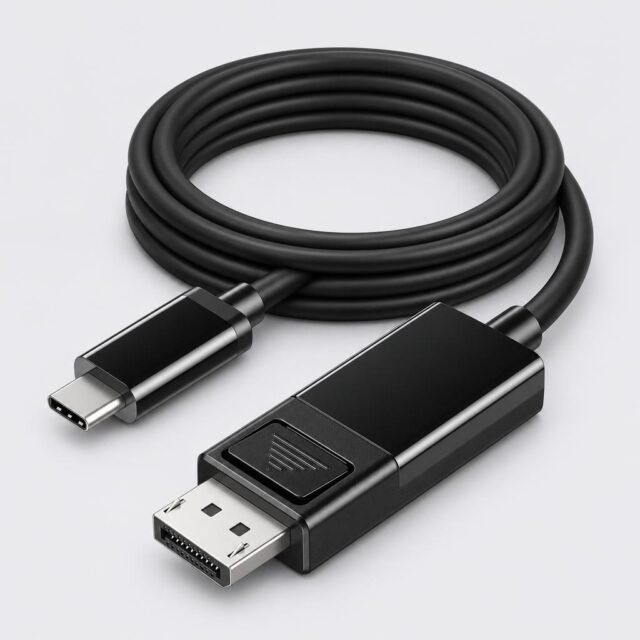
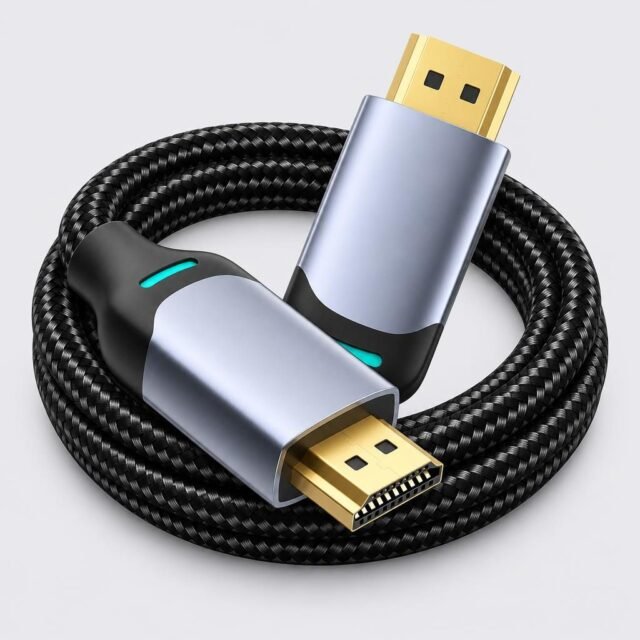
Use a cable rated for your target: the Gaatly 8K DisplayPort cable for desktop GPUs, or the USB-C to DisplayPort 8K cable for laptops. Shop display cables.
Standards and sources
Frequently asked questions
Is DisplayPort better than HDMI?
For PC monitors, usually yes: wider adaptive sync support and higher refresh rates. For TVs and consoles, HDMI 2.1 is the standard.
Can I use USB-C for a gaming monitor?
Yes, if your laptop's USB-C port supports DisplayPort Alt Mode. A USB-C to DisplayPort cable is the simplest option.
Why is my monitor stuck at 60Hz?
Check the cable rating, the port used and the refresh setting in your operating system.
Ask the Gaatly Concierge or message our team. We reply in minutes.