Key takeaways
- Most gaming laptops accept 100W or 140W over USB-C for light use and travel.
- Full GPU performance usually needs the original high-wattage barrel charger.
- USB PD 3.1 allows up to 240W over USB-C with a 5A, EPR-rated cable.
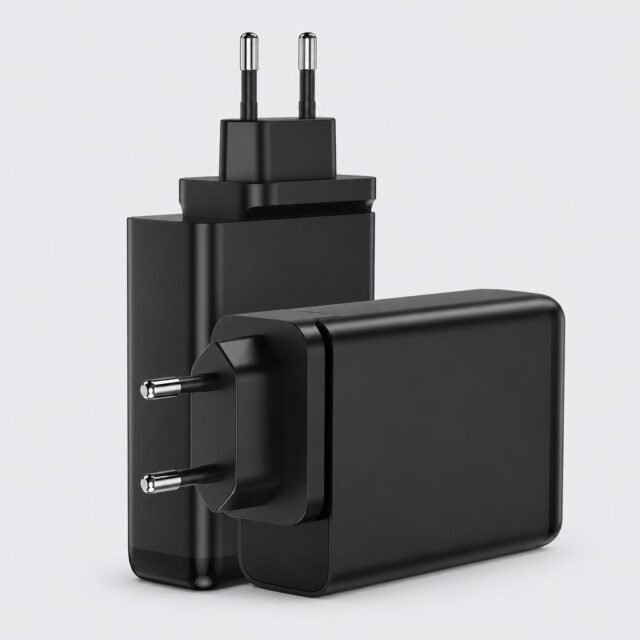
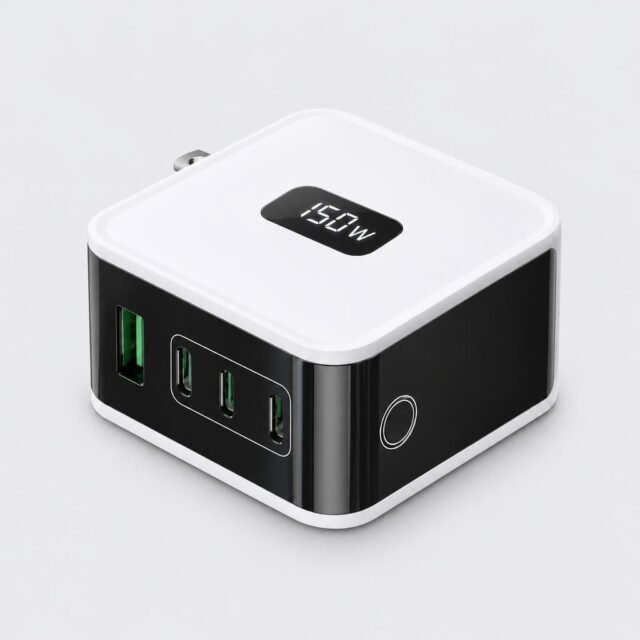
- A 140W GaN charger plus a 240W cable makes an excellent travel setup.
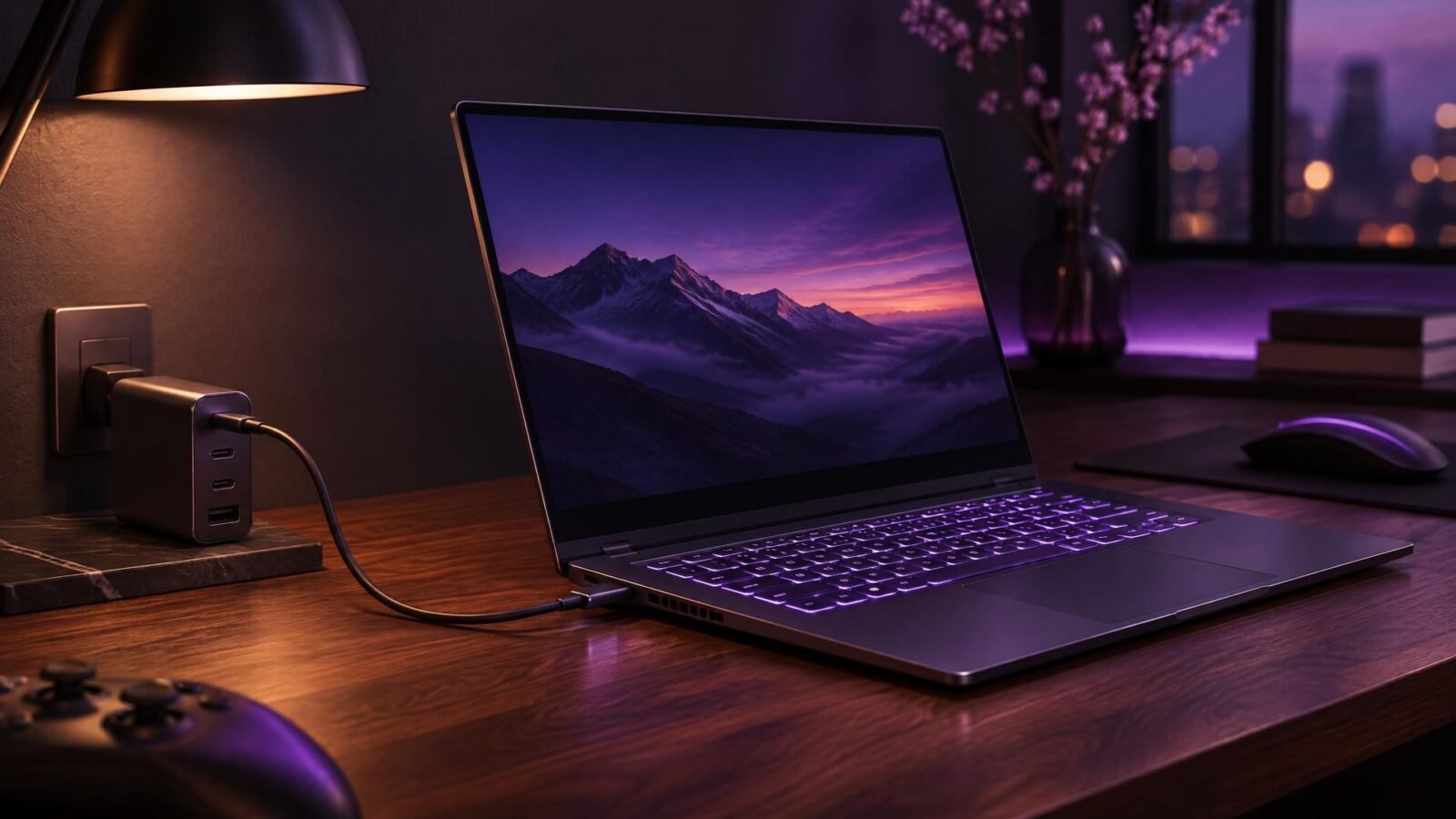
Quick answer: yes, most recent gaming laptops can charge over USB-C, typically at 100W or 140W. That is perfect for travel, browsing and light games. For demanding games at full performance, keep the original high-wattage barrel charger at your desk, because the GPU alone can draw more than USB-C provides.
Why gaming laptops are different
A thin productivity laptop might draw 30 to 60W under load. A gaming laptop with a powerful GPU can draw 200 to 330W at full tilt, which is why many still ship with large barrel-plug adapters. USB-C Power Delivery has historically topped out at 100W, and more recently 240W with the Extended Power Range in USB PD 3.1.
What happens when you charge over USB-C
- Idle and light work: the laptop runs and charges normally.
- Moderate games: it may hold its charge level, or charge slowly.
- Demanding games: the battery may still drain, and many laptops reduce GPU power when they detect a lower-wattage source.
The laptop decides how much it accepts. A 140W or 240W charger is safe with any USB-C device because power is negotiated, never forced.
Wattage at a glance
| Source | What it does well |
|---|---|
| 65W to 70W USB-C | Travel top-ups when idle or browsing |
| 100W USB-C | Work and light gaming on most models |
| 140W USB-C (PD 3.1) | Faster charging and more headroom on supported laptops |
| Original barrel charger | Full CPU and GPU performance in demanding games |
The cable matters
Above 60W the cable must be rated for 5A and contain an e-marker chip. Above 100W it must support the Extended Power Range, which is what 240W cables are built for. A 60W cable will quietly cap the laptop at 60W. Read what 240W USB-C means and what an e-marker chip does.
Check your laptop
Look in the manual or on the port itself: a USB-C port with a small charging symbol or a “PD” label accepts power. Some laptops charge only from one specific USB-C port. Manufacturers list the maximum USB-C input in the specifications, often as “USB-C PD charging up to 100W” or “140W”.
Power banks for gaming laptops
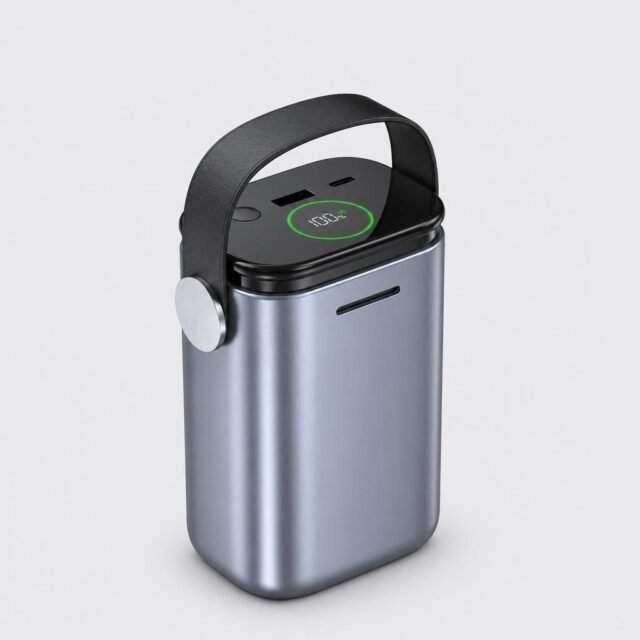
A laptop power bank with 100W USB-C output extends work and light gaming sessions considerably. It will not sustain a demanding game at full performance, but it is the difference between an evening of indie games on a flight and a dead battery. Stay under 100Wh for cabin baggage; see charging a laptop from a power bank.
The setup we recommend
- At the desk: the original barrel charger for full performance.
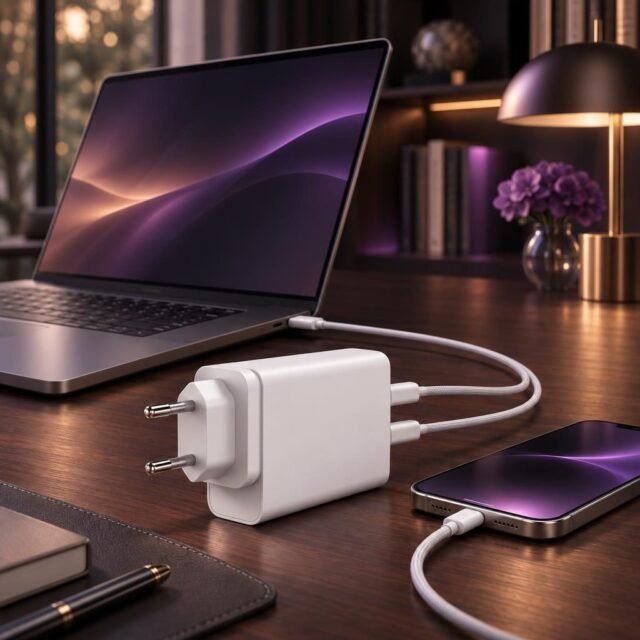
- In the bag: a 140W GaN charger with a 240W braided cable, which also charges your phone and controller.
- On the move: a 100W laptop power bank.
Standards and sources
Frequently asked questions
Can I play games while charging over USB-C?
Yes. Light and moderate games run well. Demanding games may run at reduced GPU power or slowly drain the battery, depending on the laptop.
Will a 140W charger damage a laptop that only needs 65W?
No. USB Power Delivery negotiates the right power level, so the laptop only draws what it supports.
Do I need a 240W cable?
For chargers above 100W, yes: the cable must support USB PD 3.1 Extended Power Range at 5A. A 240W cable is safe for every lower-power device too.
Ask the Gaatly Concierge or message our team. We reply in minutes.