Key takeaways
- Ethernet gives the most stable online play; Wi-Fi 6E and 7 close the gap at short range.
- Dedicated 2.4GHz wireless matches cables for mice and keyboards; Bluetooth adds delay.
- Wired controllers remove a small amount of delay and never need charging mid-game.
- Bluetooth headsets add noticeable audio delay; use a 2.4GHz or wired headset for games.
Quick answer: use Ethernet for your console or PC whenever you can, use 2.4GHz wireless (not Bluetooth) for your mouse, keyboard and headset, and keep a short braided USB-C cable handy for your controller in competitive play or when the battery runs low.
Network: Ethernet vs Wi-Fi
For online games, consistency matters more than raw speed. Ethernet delivers stable latency with no interference from neighbours, microwaves or walls. Modern Wi-Fi 6E and Wi-Fi 7 routers on the 6GHz band perform impressively at short range with a clear line of sight, but dense apartment buildings in Dubai often have crowded airwaves.
- If the router is in another room, consider a mesh node with an Ethernet port near the console.
- Laptops without an Ethernet port can use a USB-C Ethernet adapter; see our guide.
- Cat 6 cables are more than enough for home gaming.
Mice and keyboards
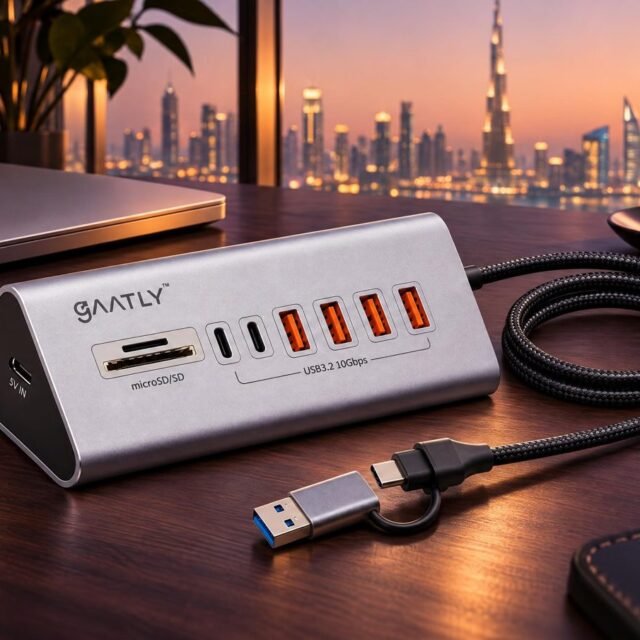
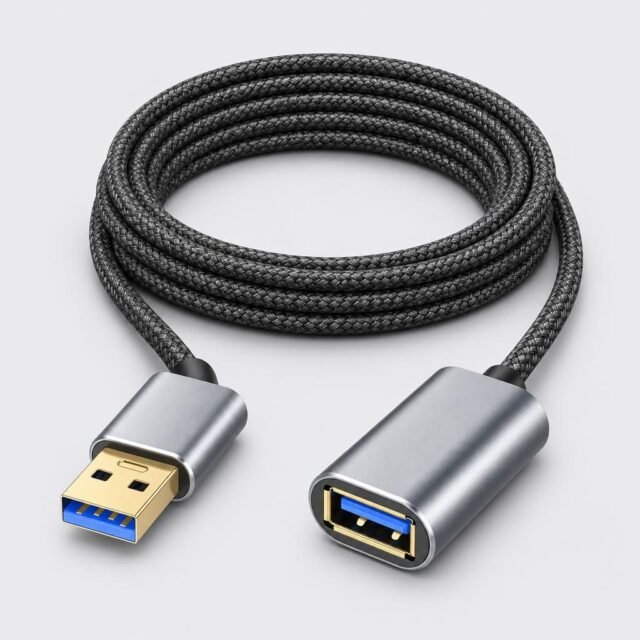
Gaming mice and keyboards with a dedicated 2.4GHz receiver now deliver latency comparable to a cable. Bluetooth is convenient but slower and less consistent, so save it for laptops and tablets. Keep receivers close to the device; a desk hub or short extension does wonders.
Controllers
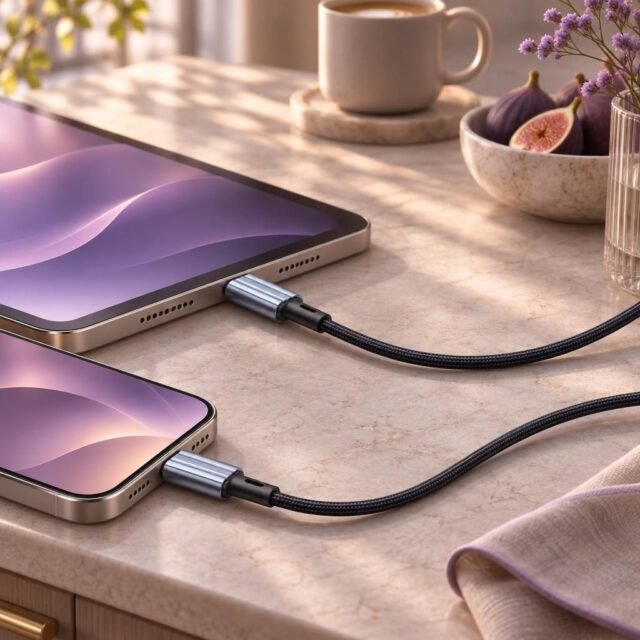
PlayStation and Xbox controllers connect wirelessly with low latency. Playing wired removes a little more delay, guarantees no battery anxiety, and is required for some tournaments. A 1 to 2 metre braided USB-C cable is ideal; see our cable length guide.
Headsets and audio
Bluetooth audio typically adds a delay that you notice when footsteps and gunfire arrive a fraction late. Gaming headsets with a 2.4GHz USB dongle, or wired headsets, keep audio in sync. On PS5 and Xbox, check headset compatibility before you buy. Read our Bluetooth codec guide for everyday listening.
Displays
Wireless display casting adds significant delay and is unsuitable for gaming. Always connect consoles and PCs to displays with HDMI or DisplayPort.
A simple rule
| Connection | Best choice |
|---|---|
| Internet | Ethernet, or Wi-Fi 6E/7 close to the router |
| Mouse and keyboard | 2.4GHz receiver or cable |
| Controller | Wireless for comfort, cable for competition |
| Headset | 2.4GHz dongle or wired |
| Display | Always a cable |
Frequently asked questions
Is Ethernet better than Wi-Fi for gaming?
For stability, yes. Ethernet avoids interference and gives consistent latency. Modern Wi-Fi close to the router can be very good, but Ethernet is the reliable choice.
Is a wired controller faster?
Slightly. The difference is small, but wired play also removes battery concerns and is required at some tournaments.
Can I use Bluetooth earbuds for gaming?
For casual games, yes. For competitive play the audio delay is noticeable, so a 2.4GHz or wired headset is better.
Ask the Gaatly Concierge or message our team. We reply in minutes.