Key takeaways
- A Mac mini dock adds front ports and a card reader without adding clutter.
- An NVMe SSD enclosure dock is the most affordable way to add fast storage.
- Connect displays directly to the Mac where possible.
- Route every cable behind the desk with one tidy bundle.
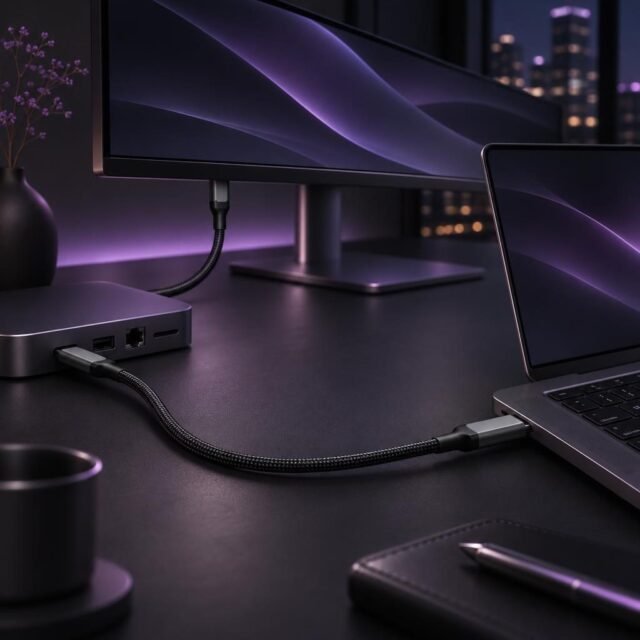
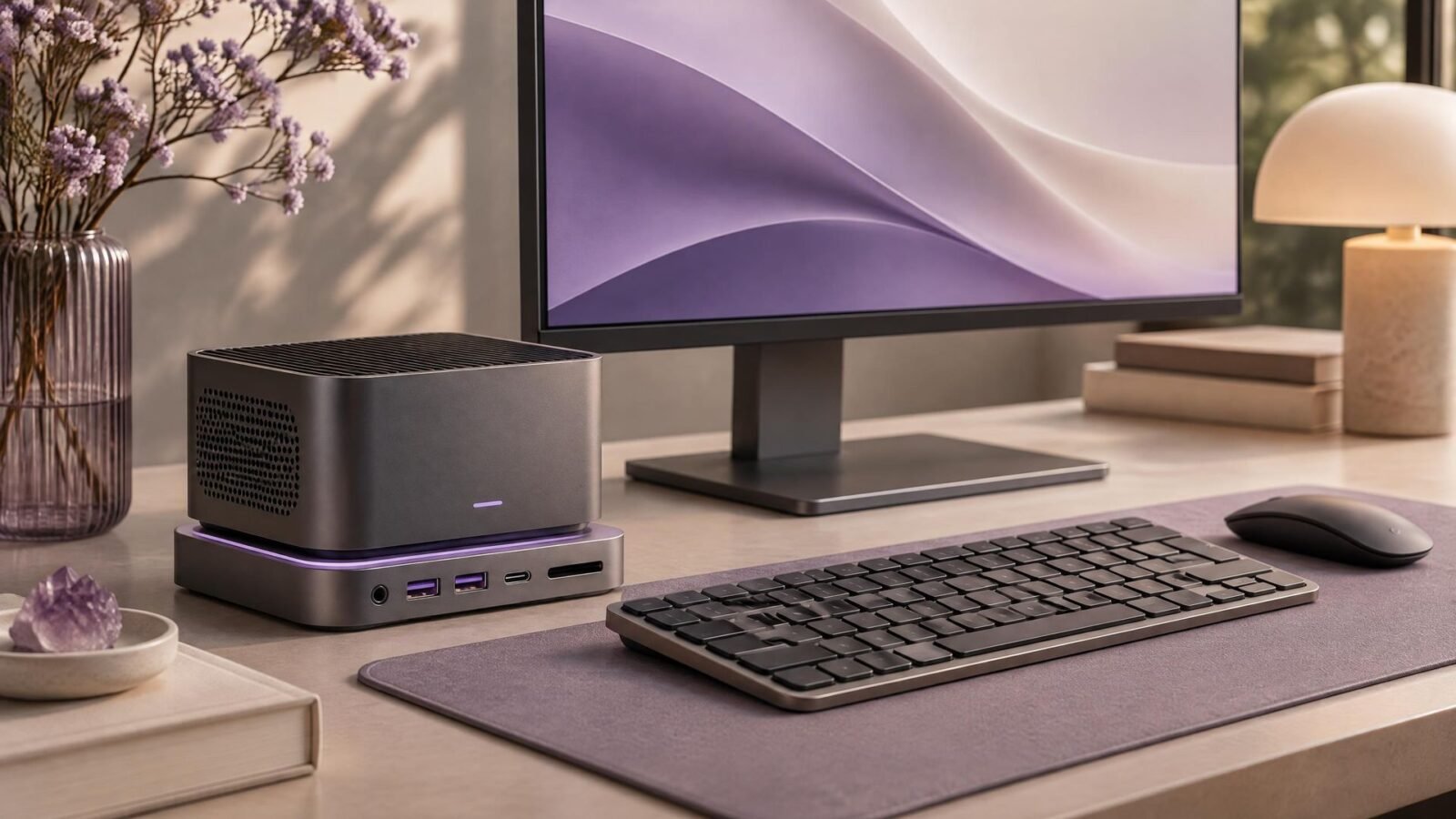
Quick answer: pair the Mac mini with a matching-footprint dock that adds front USB ports, an SD reader and an internal NVMe SSD slot. Connect monitors directly to the Mac’s Thunderbolt or HDMI ports and route everything else through the dock.
1. Storage first
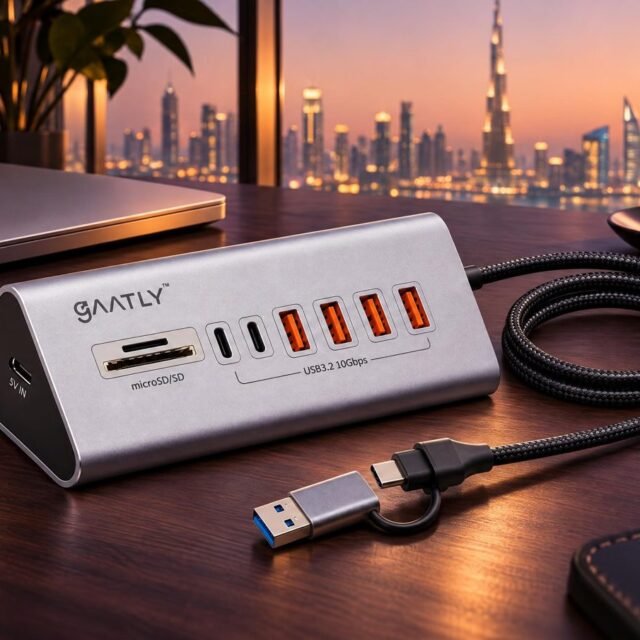
Upgrading internal Apple storage is expensive. A dock with an NVMe enclosure, like the Gaatly Mac mini 9-in-1 Dock, holds an M.2 SSD underneath your Mac for fast external storage and Time Machine backups.
2. Ports at the front
Cameras, phones and drives get plugged in often. Front-facing USB-C, USB-A and an SD slot save reaching behind the Mac every time.
3. Displays
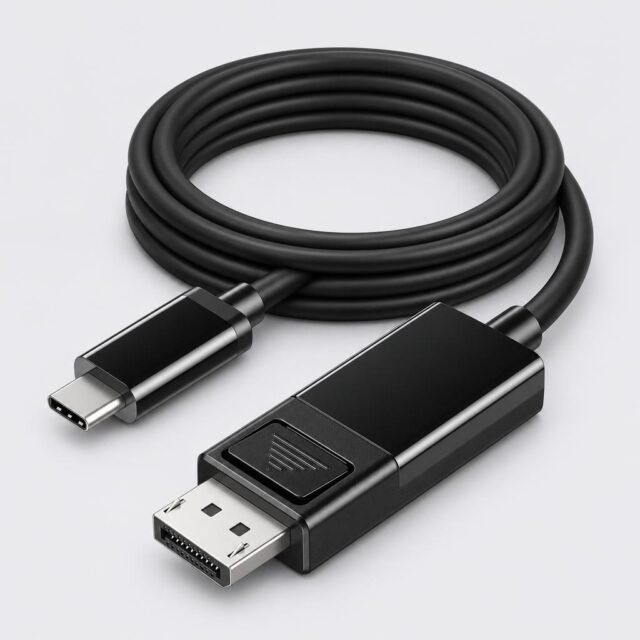
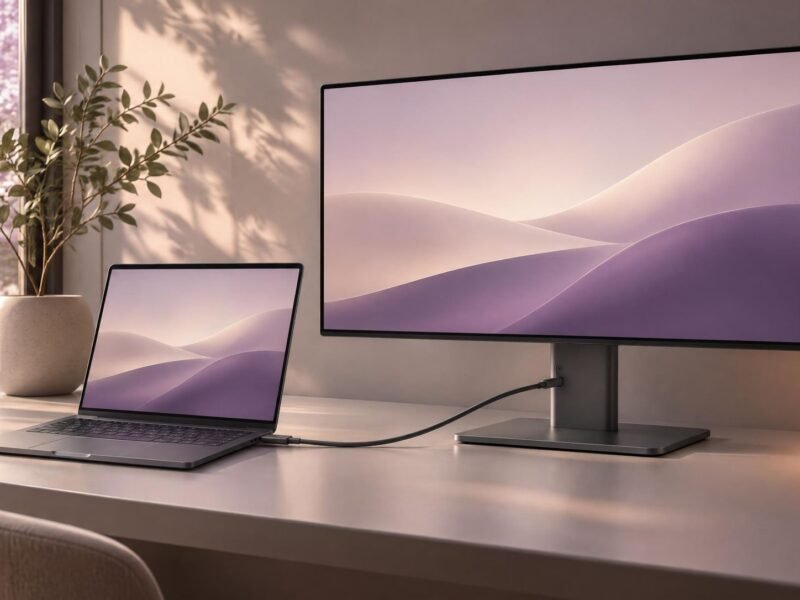
Use a USB-C to DisplayPort or HDMI cable directly from the Mac for the best image. See DisplayPort vs HDMI.
4. Cables
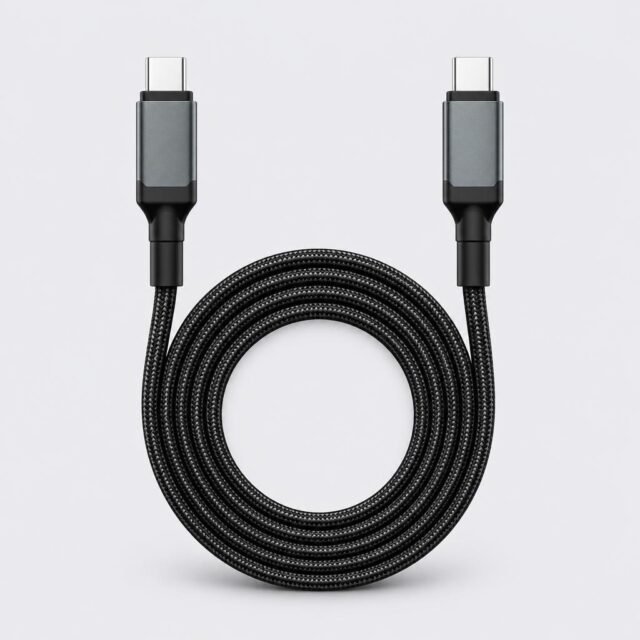
Keep cable lengths matched to the desk, use braided cables that resist kinks and route them through one tray. Our cable management guide walks you through it.
Standards and sources
Frequently asked questions
Does the Mac mini dock slow down the SSD?
It runs at the speed of the USB connection to the Mac, which is ample for backups, media libraries and most projects.
Can I boot from an external SSD?
It is possible on Apple silicon with some setup, but most people use external SSDs for storage and backups.
Do I need a powered hub?
Bus powered docks work for most accessories. Power-hungry drives benefit from a hub with a power input, like the DeskHub.
Ask the Gaatly Concierge or message our team. We reply in minutes.